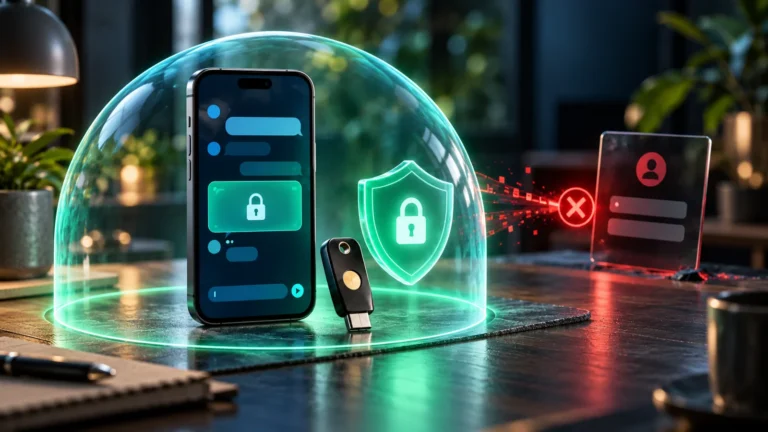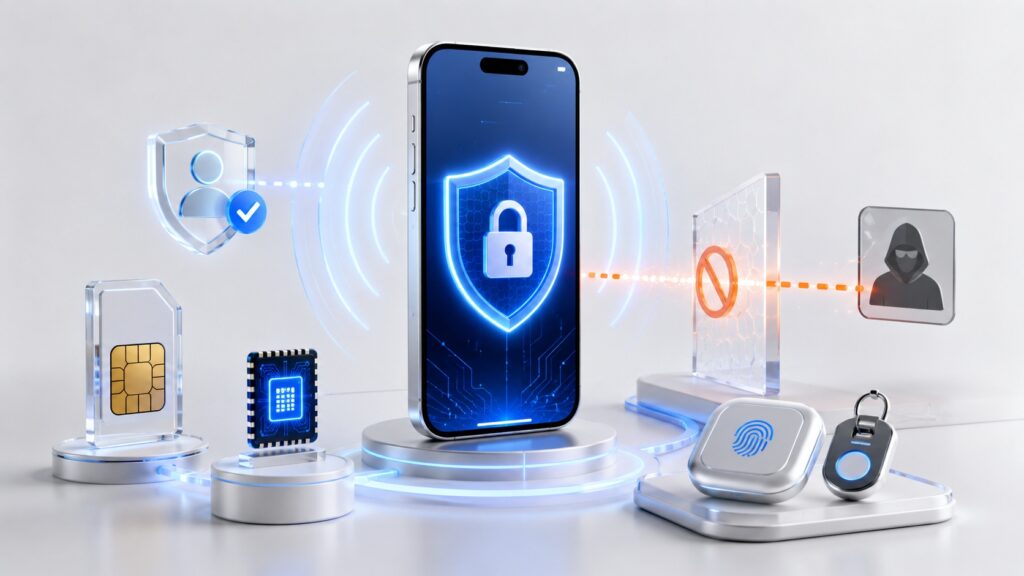
SIM swapping is an attack in which someone tries to move your phone number to another SIM or eSIM. If they succeed, your texts and calls go to the person who now controls the number.
The biggest risk is what someone can do with your number. Many services use it for sign-in, password recovery, bank confirmations and two-factor authentication. Your phone number deserves protection in its own right.
What is SIM swapping?
Normally, your number is linked to the SIM or eSIM in your phone. In a SIM swap, someone poses as the account holder when contacting your mobile provider or takes advantage of a weakness in its recovery process.
The provider may then move your number to another SIM or eSIM. Your phone loses service, and the attacker’s SIM starts receiving your texts, calls and verification codes.
Why it matters
Your phone number often acts as a spare key to other services. Someone who takes control of it may try to:
- reset your email password;
- get a text verification code to sign in to your bank or another financial service;
- sign in to a messaging account secured only by your phone number;
- recover access to your social media accounts;
- intercept two-factor authentication codes;
- approve transactions on services that still rely on text messages.
For important accounts, avoid relying on text messages as your second factor.
Signs that something is wrong with your number
The following can be signs of a SIM swap:
- your phone suddenly loses mobile service for no obvious reason;
- your SIM stops working despite adequate coverage and sufficient credit;
- your provider notifies you of a SIM replacement or an unexpected change to your account;
- you receive alerts about sign-in attempts or password resets;
- verification texts stop arriving;
- unfamiliar sessions appear in your messaging or email account;
- your bank or another service alerts you to suspicious activity.
A single sign can have other explanations. If several occur together, investigate promptly.
How to protect your number with your mobile provider
Your first line of defence is your account with your mobile provider. The provider handles number transfers, recovery requests and replacement SIMs.
Steps to take:
- set a password or security passphrase for requests to your provider;
- check what documents or details your provider requires for a replacement SIM;
- block remote SIM replacements if your provider offers that option;
- enable notifications about changes to your account;
- protect your online account with the provider using a strong password;
- enable two-factor authentication (2FA) on that account if available;
- remove old or unnecessary recovery numbers;
- check who has access to your business or family account.
If you use your number for business, banking or critical services, ask your provider exactly how it handles recovery requests and replacement SIMs.
Why switch away from text-based 2FA?
Text codes offer more protection than a password alone, but authenticator apps, passkeys and hardware security keys offer stronger protection. Texts go to your phone number, and control of that number depends on your provider’s recovery process.
Consider these options for important accounts:
- an authenticator app;
- passkeys if the service supports them;
- a hardware security key for your most important accounts;
- backup codes stored in a safe place.
Keep text messages as a temporary option or fallback only where a better option is unavailable.
Which accounts to check first
Start with accounts that can be used to recover access to other services or that give access to your money.
Check these first:
- your primary email account;
- banking and financial services;
- your Apple ID or Google Account;
- messaging apps;
- social media;
- your mobile provider account;
- cloud storage;
- work services;
- cryptocurrency wallets and exchanges, if you use them.
For each account, check whether you can remove text messages as the primary sign-in or recovery method.
How to secure your email
Email is often the main way to recover other accounts. If only a password and a phone number protect your email, a SIM swap could help someone gain access to the rest of your online accounts.
At a minimum, secure your email account by:
- using a strong, unique password;
- setting up an authenticator app for 2FA, a passkey or a hardware security key;
- keeping backup codes up to date;
- checking your recovery email addresses;
- removing old phone numbers and outdated recovery methods;
- reviewing active sessions regularly.
If you secure just one account, start with email.
How to secure messaging accounts
Messaging apps are often tied to your phone number. Review the settings in each app.
In Telegram:
- enable Two-Step Verification and set a password;
- add a recovery email address;
- review active sessions;
- end any sessions you don’t recognise;
- keep sign-in codes to yourself, however convincing a message may sound.
For other messaging apps, check whether you can set a PIN, password or backup key, or enable extra protection against someone registering your number again.
What to do if you suspect a SIM swap
Act quickly. Someone with control of your number may use it to reset your passwords.
First steps:
- call your mobile provider from another number;
- ask them to block the suspicious SIM or stop the number transfer;
- regain control of the number through the provider’s identity verification process;
- change the password for your primary email;
- review active sessions in your email, messaging and banking accounts;
- end any sessions you don’t recognise;
- check your email forwarding rules;
- change the passwords for important accounts;
- contact your bank if your money may be at risk.
If the number is associated with a business, also check employee access, your CRM, advertising accounts, domains and hosting.
Phone number security checklist
Use this checklist to review your setup:
- set up a security passphrase with your mobile provider;
- protect your online account with the provider using a strong password;
- check the procedure for replacing a SIM or eSIM;
- remove text-based 2FA from your email, banking and critical accounts where a stronger option is available;
- enable an authenticator app, passkeys or a hardware security key;
- store backup codes somewhere safe;
- check active sessions in your email and messaging apps;
- enable Two-Step Verification in Telegram;
- write down what to do if you lose control of your number;
- avoid publishing your primary number where it isn’t needed.
Conclusion
Your phone number should never be the only key to your accounts. Protect it with your provider and, more importantly, reduce the extent to which essential services rely on text messages.
Secure your mobile provider account, replace text codes on critical accounts with stronger authentication, and have a recovery plan in case you lose control of your number.
FAQ
Does an eSIM protect against SIM swapping?
An eSIM can reduce the risk of someone physically stealing your SIM. Your number can still be transferred through your provider. An eSIM alone offers little protection if the provider’s recovery procedure is weak.
Can I stop using text verification codes altogether?
Yes for many important accounts, although some services still require them. Where a stronger form of 2FA is unavailable, keep text codes as a temporary option. Use a strong password, secure your mobile provider account and monitor account activity.
Which accounts should I secure first?
Start with your primary email, banking services, mobile provider account and messaging apps. These accounts often provide a way to recover access to others.
Do I need a new number after a suspected SIM swap?
Not always. First regain control of your number, change your passwords, review active sessions and remove text-based authentication from critical accounts where possible. Consider changing the number if it has become public, has repeatedly been targeted or is associated with contacts or accounts that put it at risk.