
Documents are scattered across chats and personal drives
We organise shared folders by project and department so current documents stay in the company workspace.

A workspace for files and collaboration on your server or in a data centre you choose, with team access and backups.
Bring documents and permissions into one system your team can manage and use every day.
We organise shared folders by project and department so current documents stay in the company workspace.
We configure users, groups and sharing rules. Give contractors access for the duration of a project and revoke it when the work ends.
We help you choose an office server, NAS or separate data centre server to suit your needs.
Your team can access documents in a browser, on a computer or on a phone.
We deploy a private cloud based on Nextcloud, set up folders and accounts, and synchronise the files you select across devices.
Your team works in its own environment. You choose where the server runs, who administers it and who has access.
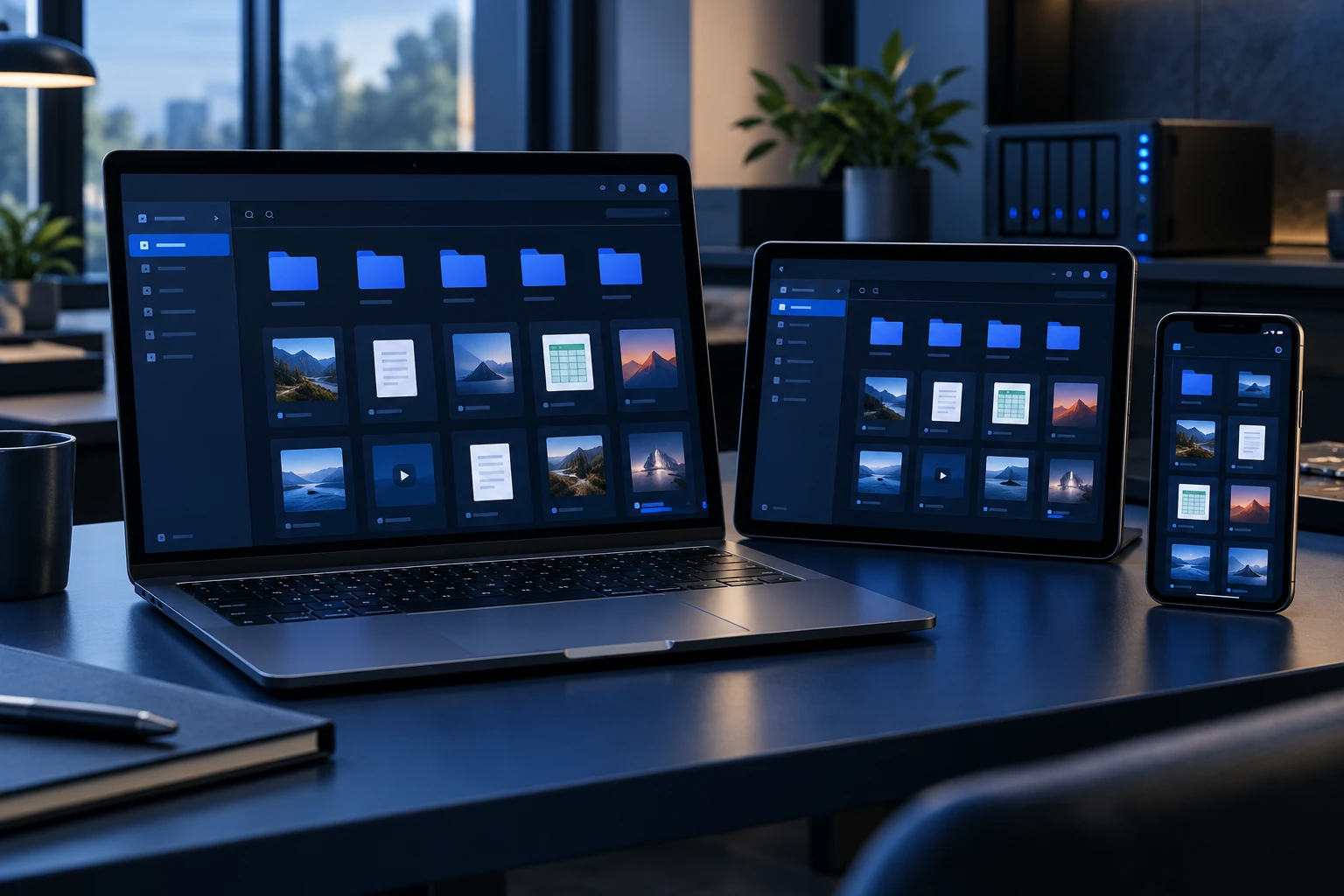
We configure the features your team needs for its workflows.
Separate workspaces for departments, projects and clients. Give the right people permission to view or edit.
Send files to clients and contractors using links with passwords and expiry dates. Revoke access when needed.
Keep selected folders on work computers in sync with the cloud and connected devices.
Restore an earlier version or recover a deleted file within the configured retention period.
We can enable collaborative editing in the browser. We agree on the editor and server resources separately.
Add employees, change permissions and close access when someone leaves.
The architecture depends on data volume, user numbers and availability requirements.
Suitable for local storage and work on the office network. We arrange an agreed connection method for remote staff.
We plan for power, internet connectivity, physical access to equipment and a separate backup.
We deploy on a dedicated or virtual server. We agree on the provider, country, resources and administrative access.
The budget covers server rental, backup storage and support.
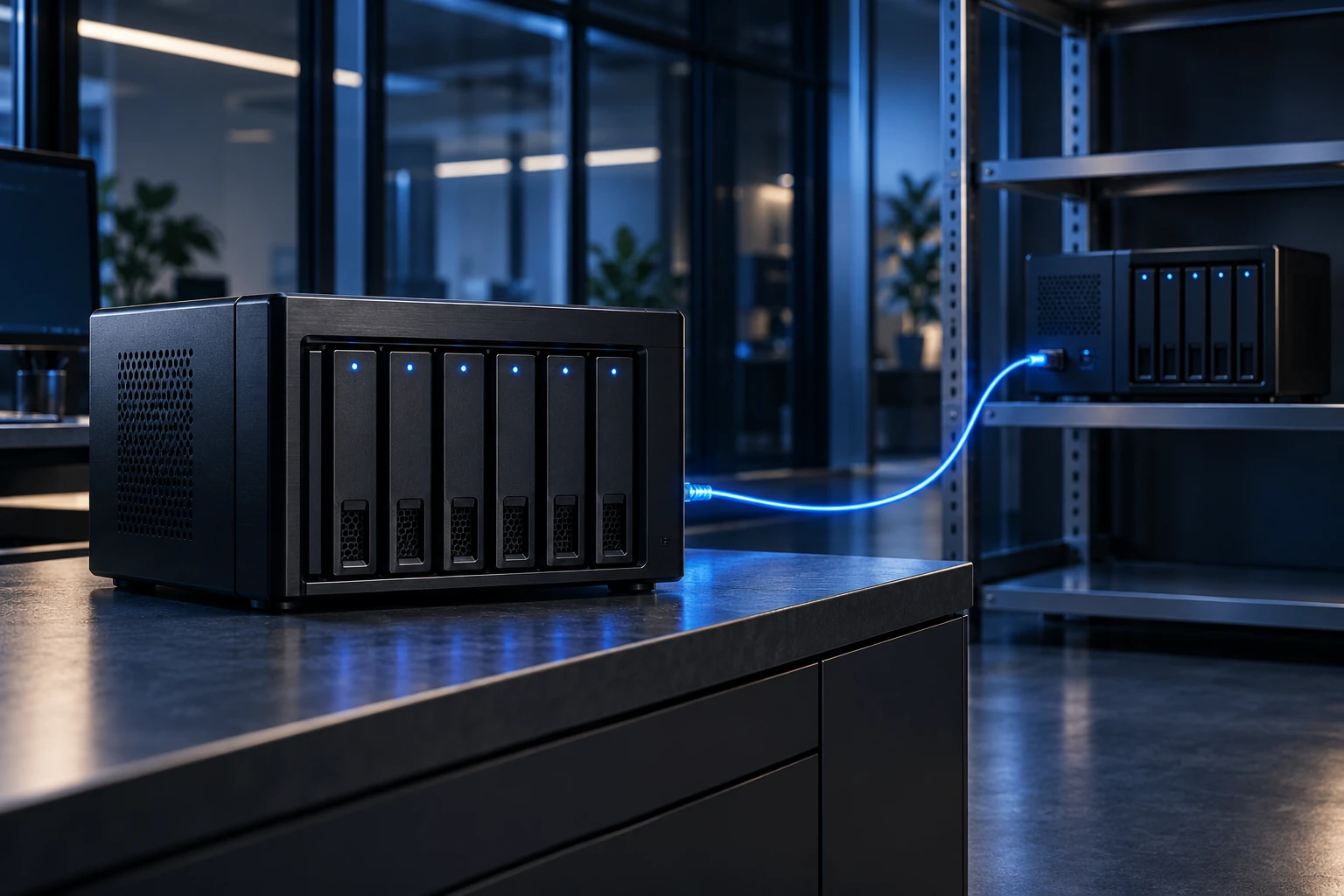
For example, run the main server at your office and store backups elsewhere. Or host the cloud in a data centre and send backups to your own equipment.
We choose the direction of copying, schedule and recovery procedure according to your needs.
A private cloud starts with access rules and sound administration.
We configure secure connections, multifactor authentication and user permissions. We agree on who may share files externally and who manages the system.
For a restricted workspace, we can arrange access through a private network. Updates and health checks are covered according to your support agreement.
We define permissions with you. At handover, we document administrative access and the people responsible.
Deletions and unwanted changes can also sync across devices.
We separately configure backups for the data and system components needed for recovery. We agree on the backup schedule, retention and storage location.
We test restoration on an agreed data set. Before launch, we define how much recent work could be lost and how long recovery may take.
We handle the technical deployment and help your team move to the new way of working.
Users, file volume, devices, current services and access requirements.
Server, location, backups, scope and price.
System, domain, users, groups, permissions and secure connection.
We migrate the agreed data and check folder structure, permissions and client applications.
Instructions, a demonstration and an agreed support process.
We document the deployment scope before work begins.
The estimate depends on team size, data volume, hosting, migration and additional features.
It can be an alternative for file storage, sync and sharing. If you use online editors, email or other integrations, we review which features you need and how they can be migrated.
You can use a separate server in a data centre. If you already have a NAS or server, we will check whether its resources and configuration are suitable.
Previously synced files can remain available on your computer. Syncing changes and working in the browser require a connection to the server. An office cloud can be accessible through your local network.
We agree this during design and document administrator accounts, team permissions and support access. Private hosting alone does not prevent administrators from technically accessing files.
Yes, if your policy permits it. We configure links with passwords and expiry dates, and you can revoke an individual link.
Recovery depends on the architecture and backups. We agree in advance on the backup location, schedule, restore testing and whether spare equipment is needed.
Yes. We can install updates, check system health and backups, assist users and help with configuration changes. We agree on support coverage and how to contact us separately.
Tell us where you store files today and what you want to change. We will suggest a configuration and agree on next steps.