
Passwords are scattered across chats, spreadsheets and browsers
We bring company credentials into an organised vault. Everyone knows where to find current login details and who is responsible for them.

We set up a password manager for your team, with shared vaults, role-based access and straightforward management of company accounts.
Email, CRM, websites, hosting and advertising accounts all need clear rules for access.
We bring company credentials into an organised vault. Everyone knows where to find current login details and who is responsible for them.
We organise records by department and project. Staff receive access to the collections they need for their work.
We identify owners and backups for work records and agree on a handover process.
Find credentials and fill in login details on your computer or phone.
We configure a business password manager based on Bitwarden, including team accounts, shared collections and client applications.
Staff can use a browser extension, app or web vault. The generator helps them create a strong, unique password for each service.
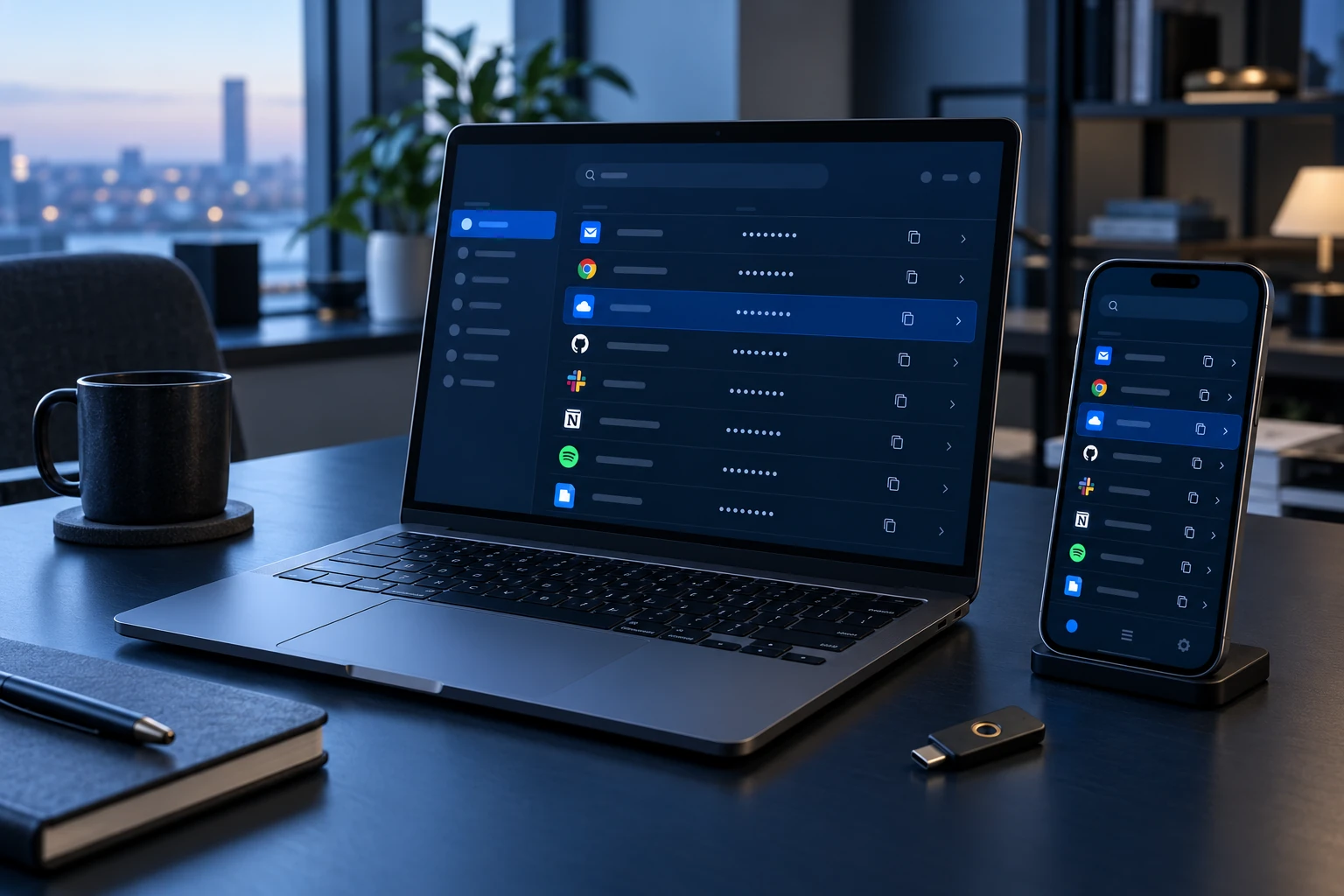
We agree on the features and settings to suit your team size and management needs.
Project and department logins, passwords and secure notes. Company records are held within the organisation.
We define who can use or modify records and who can manage collections.
We set up extensions and apps and show staff how to check a site’s address before signing in.
We configure the generator and help you progressively replace weak and reused passwords.
We enable a second authentication factor and agree on how to store recovery codes.
Where needed, we select a plan that includes groups, event logs, SSO and the administrative features you require.
We structure collections around your workflows.
Marketing uses its advertising accounts, the technical team manages infrastructure, and finance works with its own services.
We agree who owns each record and collection. Administrative roles are assigned separately from everyday access.
This is an example. We agree the actual collections, permissions and administrative roles with you before launch.
We agree on procedures for onboarding, role changes and offboarding.
We create or connect the account, secure sign-in, assign the required collections and explain how to use them.
We review collection permissions, add access where needed and remove it where it is no longer required.
We revoke organisation access, check that work records have been handed over and change passwords the employee may know.
Revoking vault access does not erase copied data. For important accounts, we also review active sessions and recovery options.
We help select hosting and a plan with the features your team needs.
We deploy on your server or in the data centre you select. We configure the domain, secure connection, backups and administration procedures.
Business features depend on the licence. A self-hosted server also needs updates, monitoring and restore tests.
We set up your organisation in Bitwarden Cloud, including accounts, collections, permissions and client apps. We assist with migration and staff training.
The provider maintains the servers. We help configure your organisation and its access controls.
We plan the transition and check that the system works for staff in their day-to-day tasks.
People, services, current storage practices and critical credentials.
Collections, permissions, owners, hosting and the right plan.
Organisation, users, sign-in protection and applications.
Import the agreed records and verify entries and access.
Everyday use, staffing changes, recovery and support.
We agree on the implementation and support scope before launch.
The estimate depends on user numbers, features, hosting and migration volume.
A company vault lets you organise shared records, grant access by collection and manage team membership. The browser extension remains a convenient way to sign in to websites.
We migrate the agreed work records. We identify the credentials that belong to the company and keep them separate from personal accounts.
We revoke access to the company vault. Passwords the person may have copied or memorised must be changed in the corresponding services. We also check active sessions and recovery methods.
No. Hiding a password on screen does not prevent someone from obtaining it. We plan permissions, individual service accounts and password rotation together.
Access depends on configured permissions, administrative roles and policies. Bitwarden uses client-side encryption. Before launch, we explain access to organisation collections and how account recovery works.
Groups, policies, SSO, event logs and other features depend on the plan and licence. We agree on the features and their cost before work begins.
We configure the recovery options available on your plan, explain how to store backup codes and identify the people responsible. A server backup alone cannot recover a lost encryption key.
Yes, after checking the source and export format. We agree the scope, verify the import and remove temporary export files from work devices once migration is complete.
Tell us how many people use your accounts and how you currently share access. We will propose a structure and deployment plan.