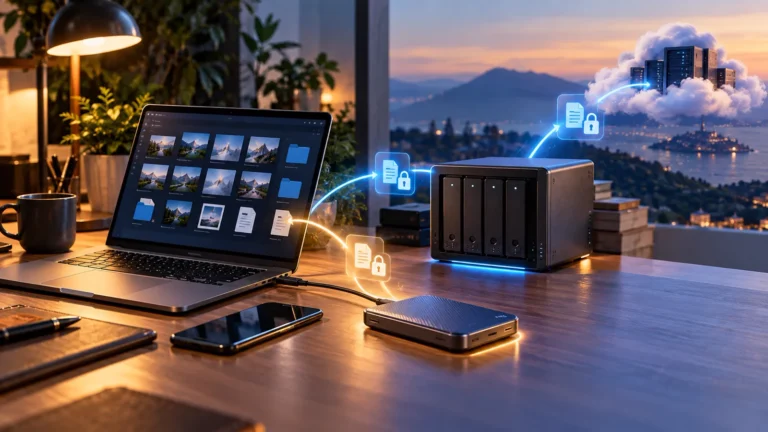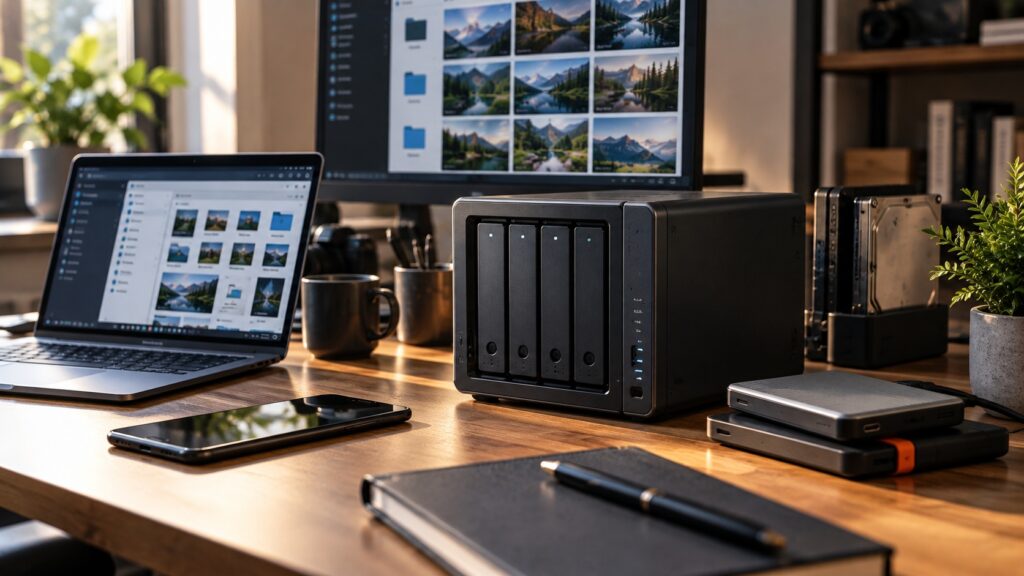
What is private file storage?
You can store documents, photos, work files and backups on your own server, a network-attached storage device (NAS) or a dedicated rented server. You decide who can access the files, where they are stored and how long backups are kept.
That control matters when a team handles contracts, customer data or internal documents. A shared password or an “anyone with the link” setting may seem convenient until someone shares the wrong file or leaves the team.
Where to start
Decide which folders should be shared and which should be private. Give each person a separate account. Groups make permissions easier to manage, for example, Accounts, Project A or Administrators.
- Give each team member their own login.
- Require a strong, unique password and two-factor authentication (2FA) for administrator accounts.
- Give contractors access only to the folder they need and only for the duration of the work.
- Review permissions when a project ends or an employee leaves.
Encryption helps protect stored data. Access controls limit what an intruder can reach, and backups let you recover a folder after accidental deletion or an account takeover.
Plan for recovery
Your main storage is only the working copy. Set up an automatic backup to another device or location, and periodically test whether you can restore a file. For important data, follow the 3-2-1 rule: keep three copies on two types of media, with one copy off-site.
If you encrypt the backups, also back up the keys or other information needed to decrypt them. A backup you cannot unlock may be unusable.
Before going live
- Every user has an individual account.
- 2FA is enabled on critical accounts.
- Backups run automatically and you know how to restore them.
- Someone is responsible for server updates.
- Only designated people can create public links.
Keeping the system manageable
The value of private storage is control. A small system with clear permissions, known data locations and tested backups can be safer than files scattered across several cloud services.
Frequently asked questions
Do I need a private server if I already use cloud storage?
Not always. A private server makes sense when you need your own access rules, control over the storage location or integration with internal systems.
Does RAID replace a backup?
No. RAID can keep storage available after a disk failure, but it does not protect against file deletion, malware or configuration errors.