Why it matters
Email, documents, messaging apps, websites, CRM systems and advertising accounts are often connected. A single compromised password can let someone reset passwords for other services. The risk is especially high when a critical service is linked to an employee’s personal email address or the whole team shares one login.
Make an inventory
List every service that holds work data or allows someone to make changes. Include email, domain registration, hosting, the website, CRM, documents, analytics, advertising and social media.
For each service, record:
- who owns the account;
- who has administrator permissions;
- which email address and phone number are used for recovery;
- whether two-factor authentication (2FA) is enabled;
- where the password and backup codes are stored.
Keep this list in a password manager or secure internal storage. An everyday group chat is a poor place for it.
Unique passwords and 2FA
Give each important account a long, unique password. A password manager can generate passwords and let you share access with a colleague without sending credentials through a messaging app. Protect the password manager itself with a strong master password, 2FA and a recovery plan.
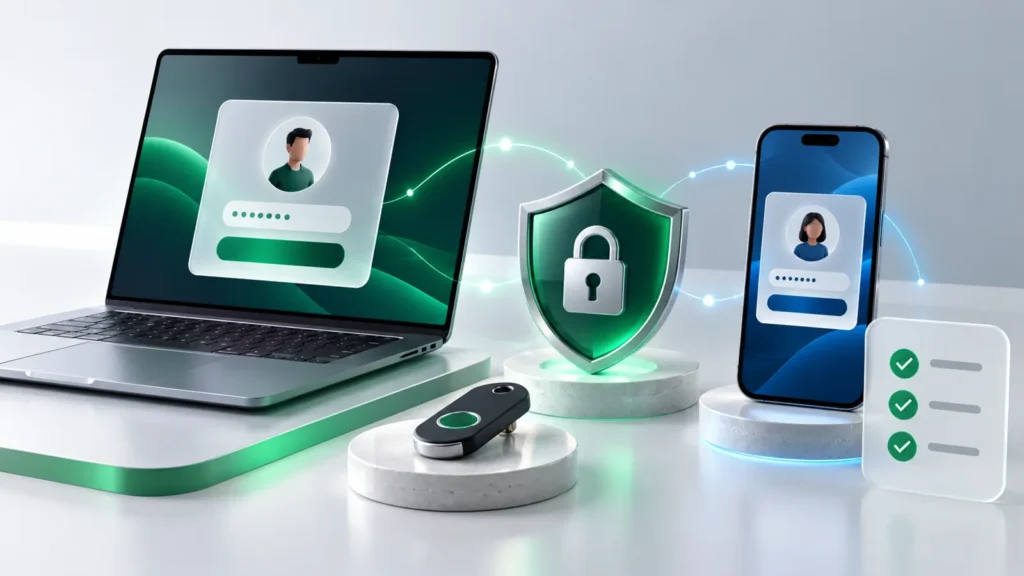
Enable 2FA for your email, domain registrar, hosting account, website admin account and password manager. Passkeys and hardware security keys are strong options where supported. Avoid relying on text messages as the only authentication factor for critical accounts.
Give each person their own access
Invite each person individually and assign a role with only the permissions they need. Someone writing posts doesn’t need access to the domain, and an advertising contractor doesn’t need your financial records. Every few months, review who still has access.
On the day an employee leaves, a contract ends or a device goes missing, revoke the affected sessions and access permissions. Check email forwarding rules, change shared emergency passwords and update recovery contacts.
Conclusion
Keeping work accounts secure takes regular attention, beyond changing a password after an incident. Individual accounts, 2FA, a password manager and regular access reviews give a small team a solid foundation without a complex setup.
FAQ
Q: Can several people share a single work account?
A: For day-to-day work, give each person their own account. That way you can limit individual permissions or revoke access without changing everyone’s password.
Q: Where should we keep 2FA backup codes?
A: Keep them in a secure password manager or an offline location that only designated team members can access. Keep the codes out of group chats.