
GL.iNet Comet Pro GL-RM10 – Wi-Fi 6 KVM for remote access to PCs and servers
GL.iNet Comet Pro GL-RM10 – Wi-Fi 6 KVM for remote access to PCs and servers
In stock
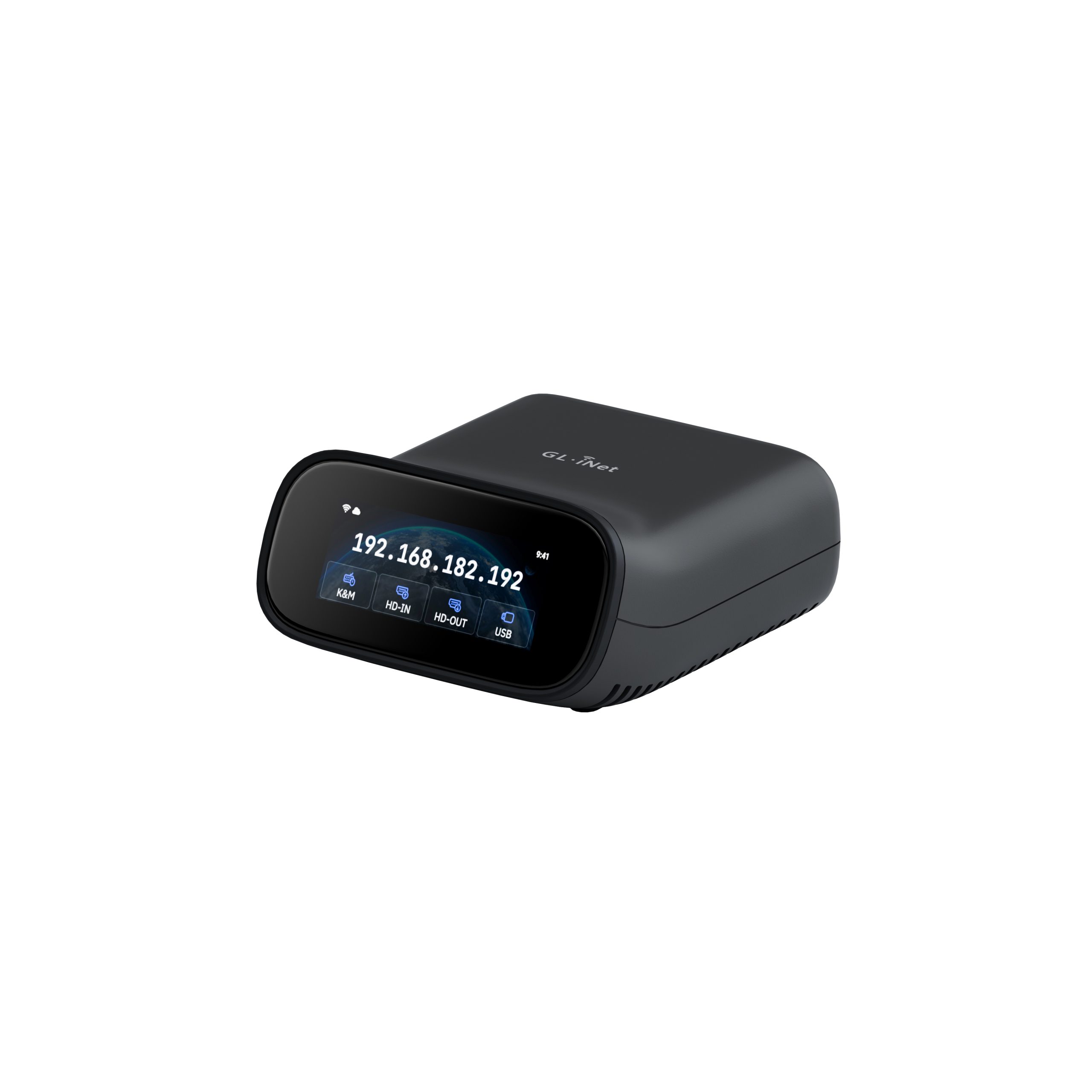
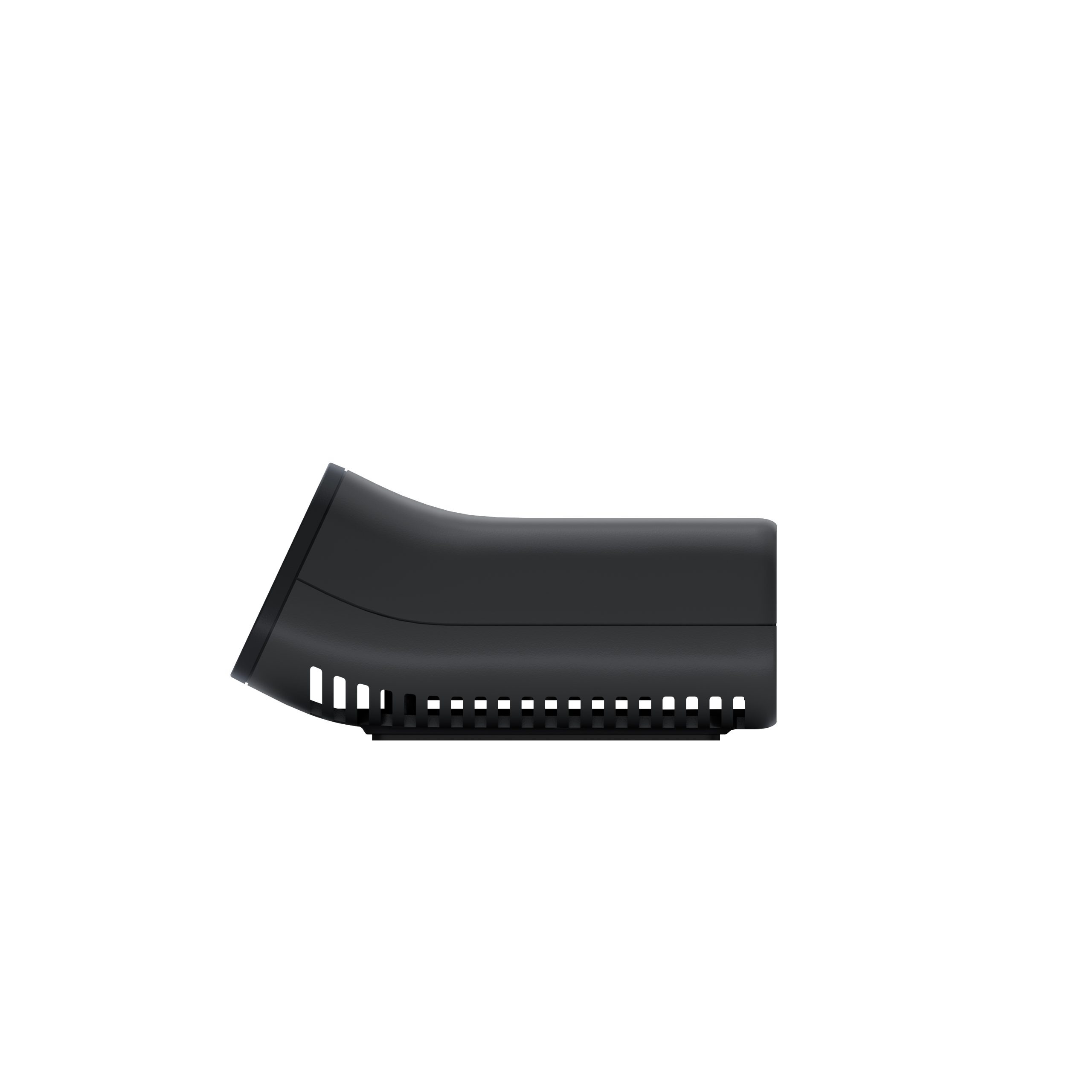
GL.iNet Comet Pro GL-RM10 is a compact KVM device for remote control of a computer, server, workstation or home PC without installing programs on the managed device itself.
It allows you to see the video signal, control the keyboard and mouse, access the system even at the BIOS level, and work with the device as if you were physically nearby. This is especially useful for servers, mini-PCs, workstations, home labs, remote technical support and situations where ordinary RDP, AnyDesk or TeamViewer do not help.
The Comet Pro supports Wi-Fi 6, Gigabit Ethernet, video up to 4K@30FPS, a 2.22-inch touchscreen, two-way audio, app or browser access, Tailscale, 2FA and the ability to self-hosted deployment. This is not just "remote access", but a separate hardware channel for device control.
GL.iNet Comet Pro is well suited for technical professionals, administrators, server owners, home labs, business, remote work and all scenarios where it is important to have control of the computer even when the operating system hangs, the network does not start up or access to the BIOS is required.
Description
GL.iNet Comet Pro GL-RM10 is a hardware KVM over IP for remote access to a computer, server, mini PC, workstation or other device with HDMI/USB connection.
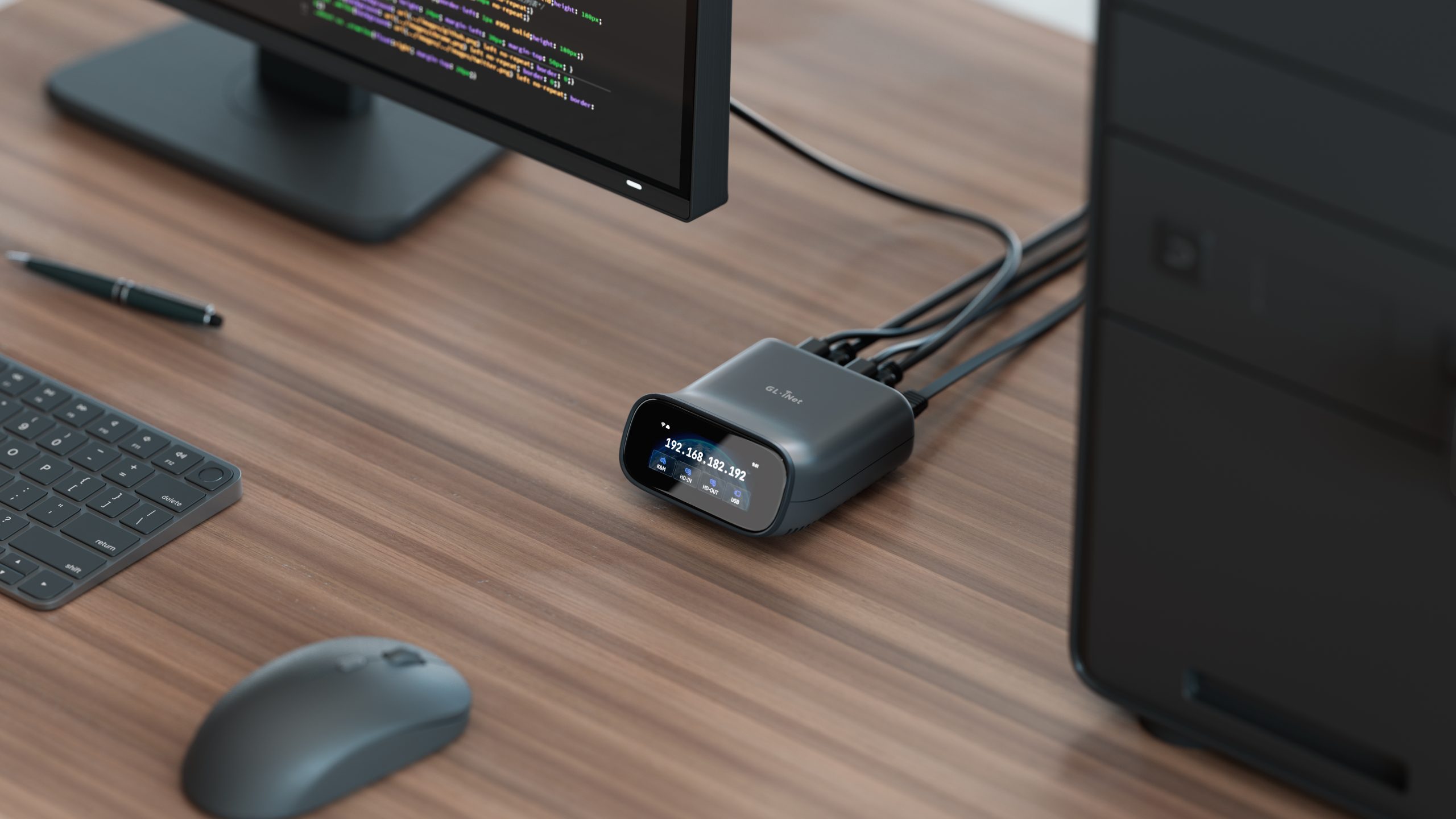
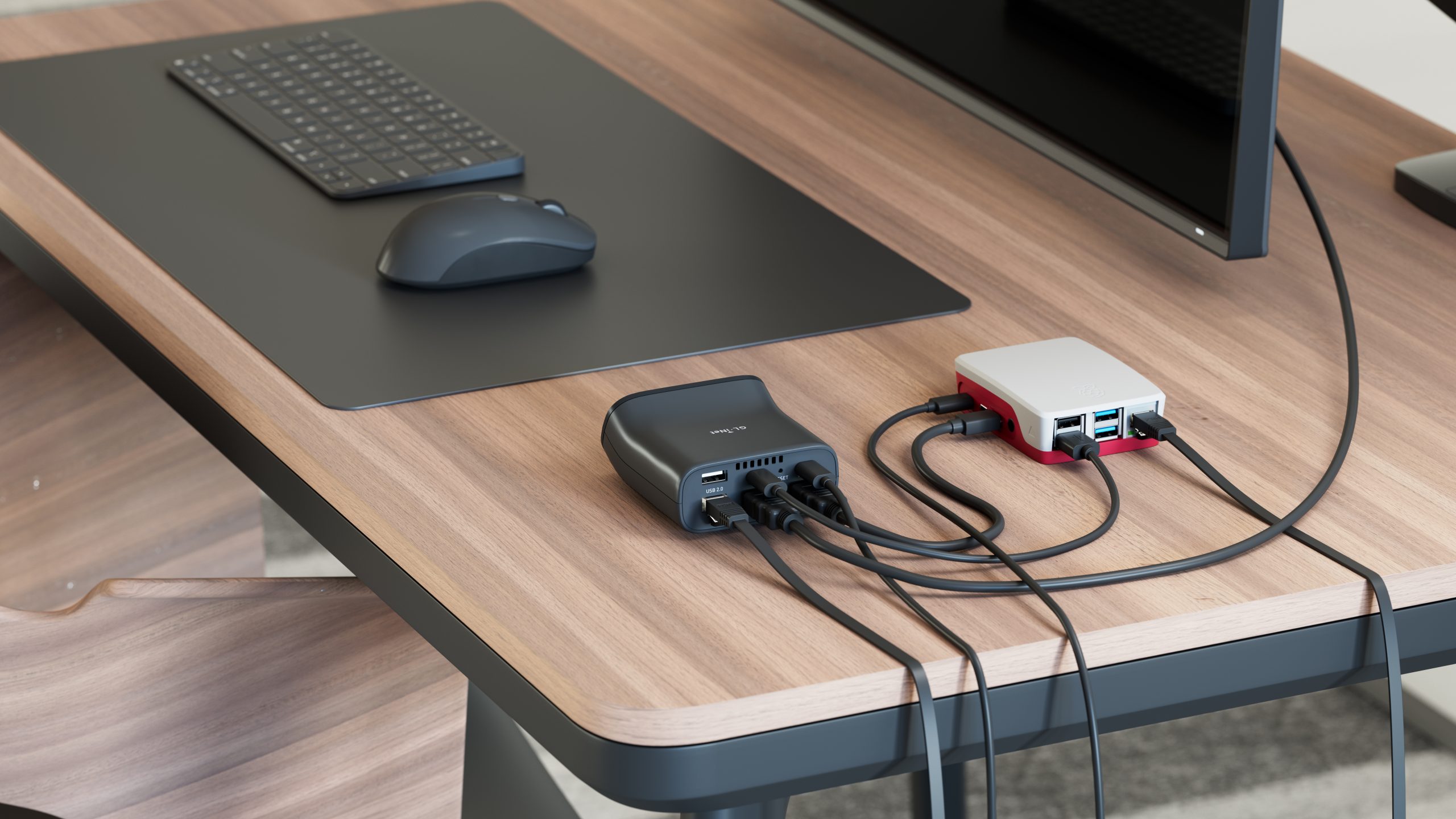
Unlike conventional remote access programs, Comet Pro is not dependent on the operating system of the controlled computer. It does not require a PC running Windows, Linux, macOS, RDP, AnyDesk or any other client. The device connects directly to the video output and USB, after which it allows to see the screen, control the keyboard and mouse, and work with the system remotely.
This is important in cases when the computer hangs, does not boot, needs BIOS/UEFI configuration, system reinstallation, diagnostics, working with the server without a monitor or remote maintenance of the equipment. Comet Pro provides a hardware-level access that does not replace the ordinary remote desktop, but closes out another, more technical scenario.
The device supports video up to 4K@30FPS and uses hardware H.264 encoding for smooth remote control with low latency. In a local area network, the stated delay is 30–60 ms, which makes the device convenient for administration, configuration, diagnostics and technical support.
One of the key differences of Comet Pro is Wi-Fi 6 support. It can be connected not only via Ethernet, but also via a wireless network of 2.4 GHz or 5 GHz. This is convenient when there is no possibility to pull a separate network cable to the PC, server or test bench. Gigabit Ethernet also remains available for the most stable connection.
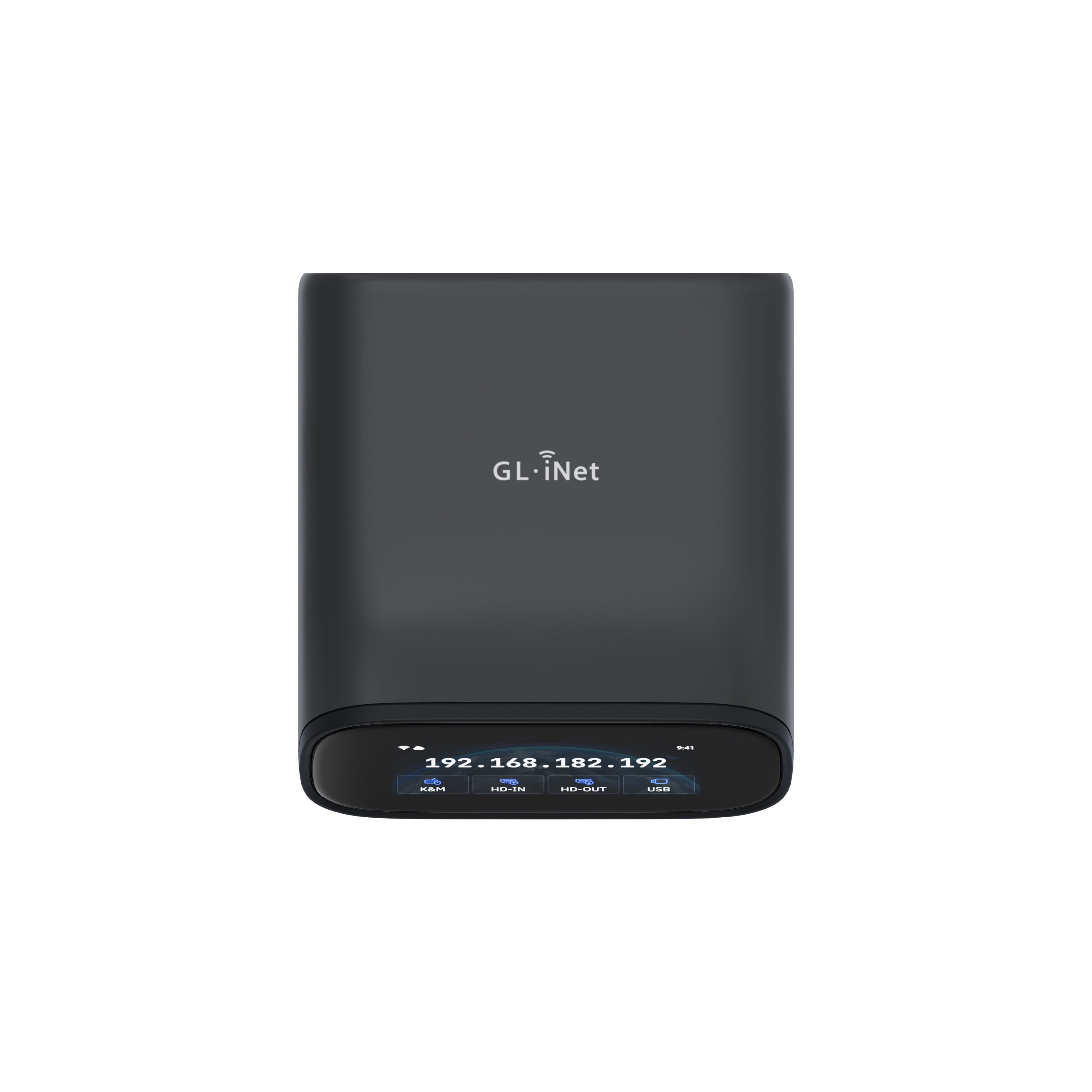
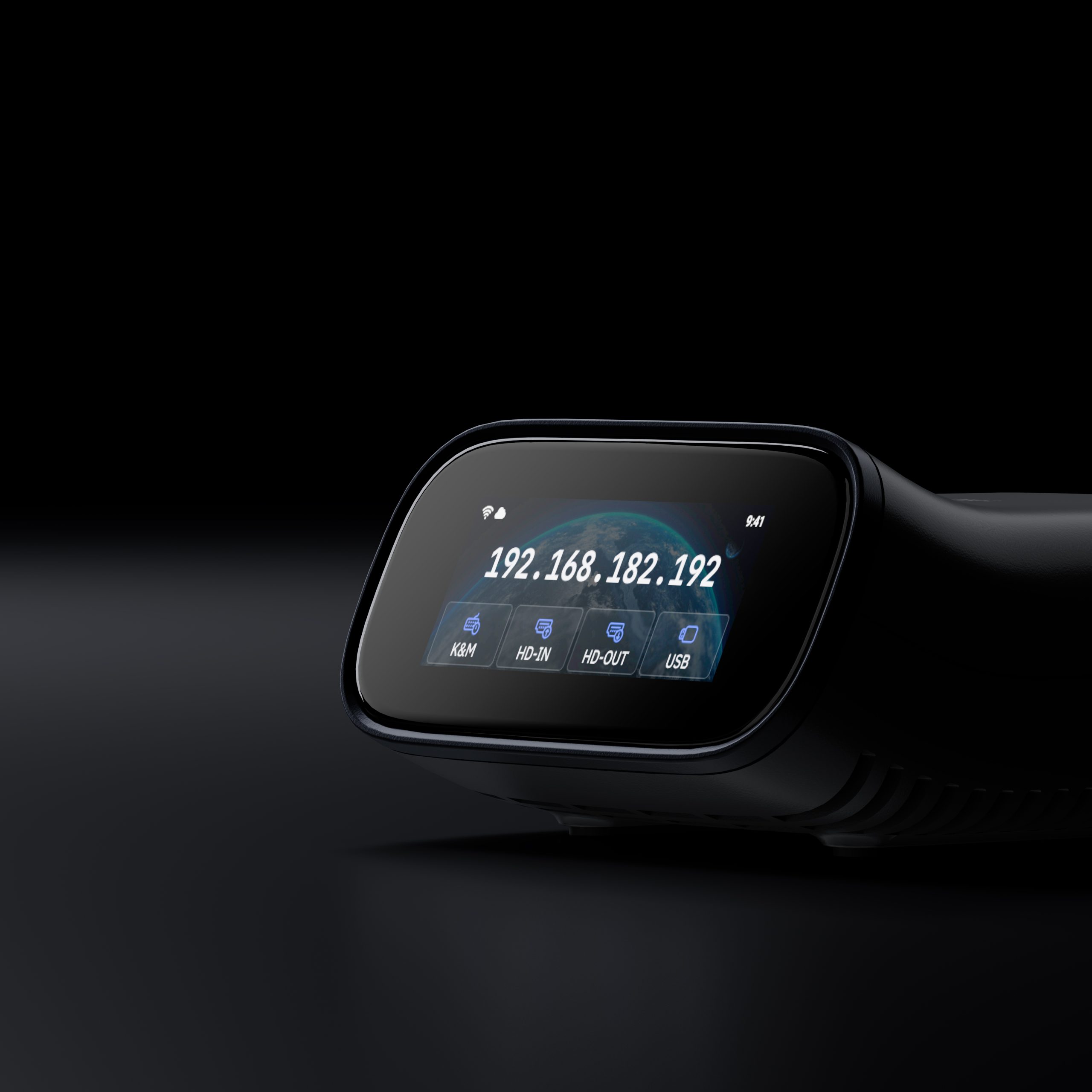
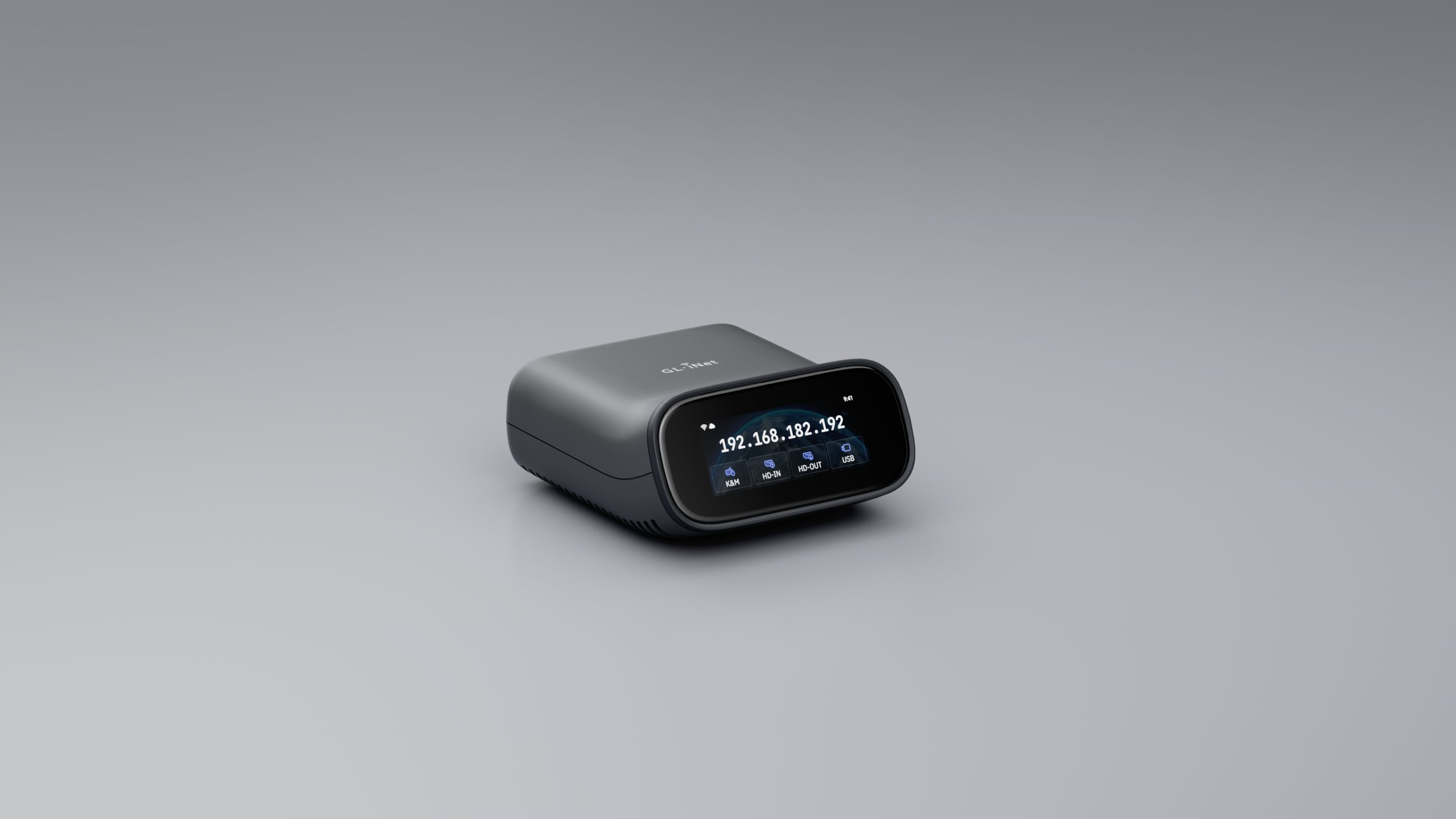
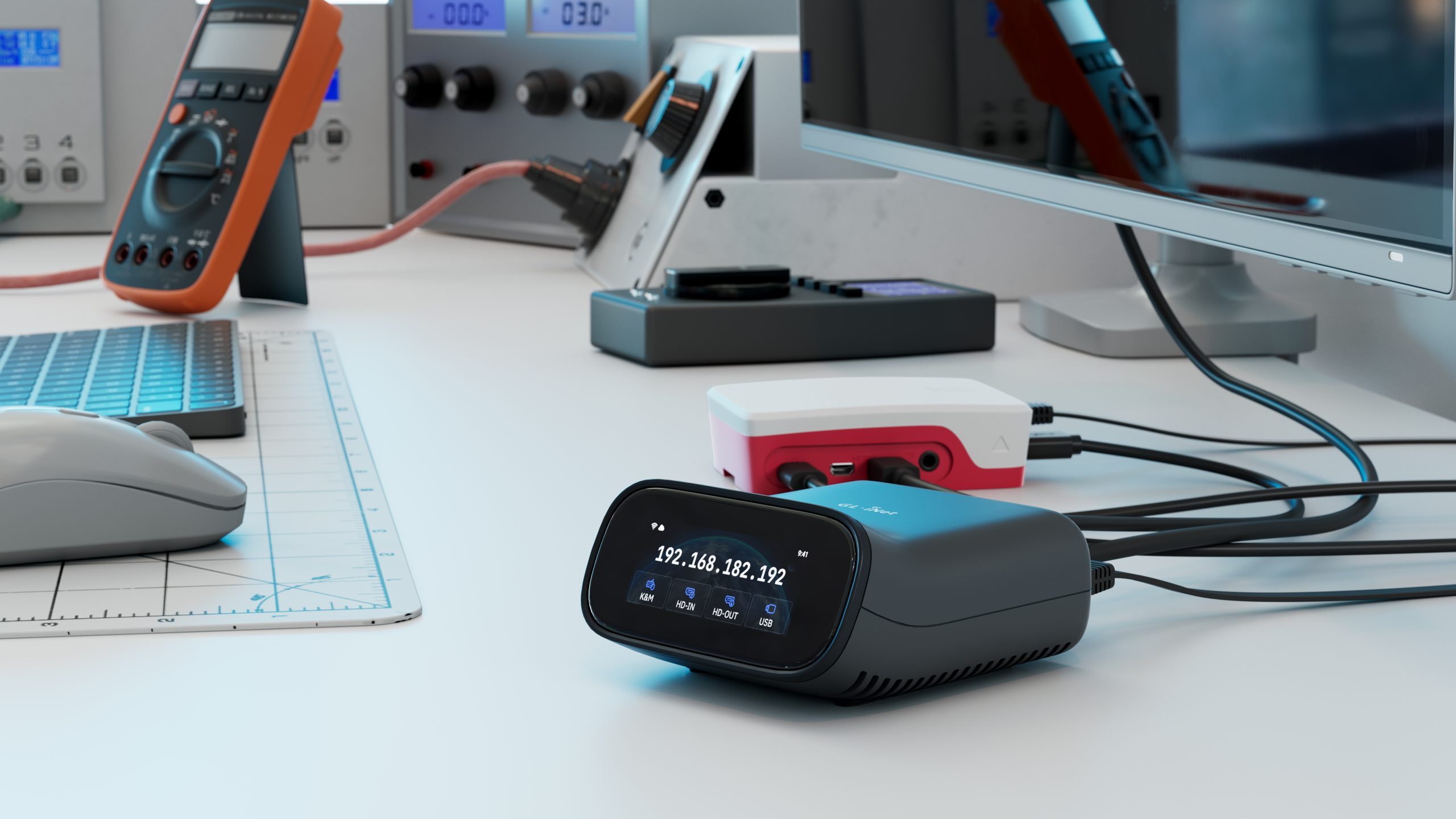
The built-in 2.22-inch touch screen allows you to quickly see device status, connections and control basic functions without opening a web interface. This is useful during initial configuration, diagnostics or when working with multiple devices.
Comet Pro supports access through GLKVM App, browser access, Tailscale, two-factor authentication, and self-hosted deployment. This allows you to choose a convenient scenario: simple access through an application, work through a browser or a more private infrastructure with your own server.
Benefits
Hardware Remote Access
Comet Pro works at KVM level: it transfers video, keyboard and mouse. This allows you to control the computer even when the operating system is not yet loaded or is unstable.
Access to BIOS/UEFI
The device is suitable for BIOS configuration, boot disk selection, diagnostics, system reinstallation and other tasks that cannot be performed through a normal remote desktop.
Wi-Fi 6 and Gigabit Ethernet
The Comet Pro can be connected via Wi-Fi 6 or via wired Gigabit Ethernet. This gives more flexibility when placing the device near a PC, server, mini-PC or test bench.
Video up to 4K@30FPS
Support for 4K@30FPS allows you to get clear images from the controlled device. This is important for working with modern PCs, servers, workstations and high-resolution equipment.
Low Latency
The hardware encoding H.264 and the stated delay of 30–60 ms in the local network make the control smoother and more convenient for technical work.
Touch screen 2.22 inch
The built-in touchscreen allows you to quickly view the device status and control important functions without extra action.
Access via application or browser
The device can be controlled through the GLKVM App or through the browser. This is convenient for different scenarios: from a laptop, work PC, smartphone or tablet.
Tailscale support
Tailscale allows you to organize more convenient and secure access to the device through a virtual private network without complicated manual port configuration.
Two-Factor Authentication
2FA support adds an additional layer of security for remote access to hardware.
Self-hosted deployment
For scenarios where privacy and control over infrastructure are important, Comet Pro supports self-hosted deployment on popular systems, including Linux/Ubuntu.
Bi-directional audio
The device supports a two-way audio channel, which can be useful for remote support, work scenarios or connecting to systems where more than just video is important.
Remote Reboot Ability
Comet Pro can work with additional power management devices, such as ATX Board or Fingerbot. This allows not only to see the screen and control the system, but also to remotely restart or turn on hardware in appropriate scenarios.
Use Scenarios
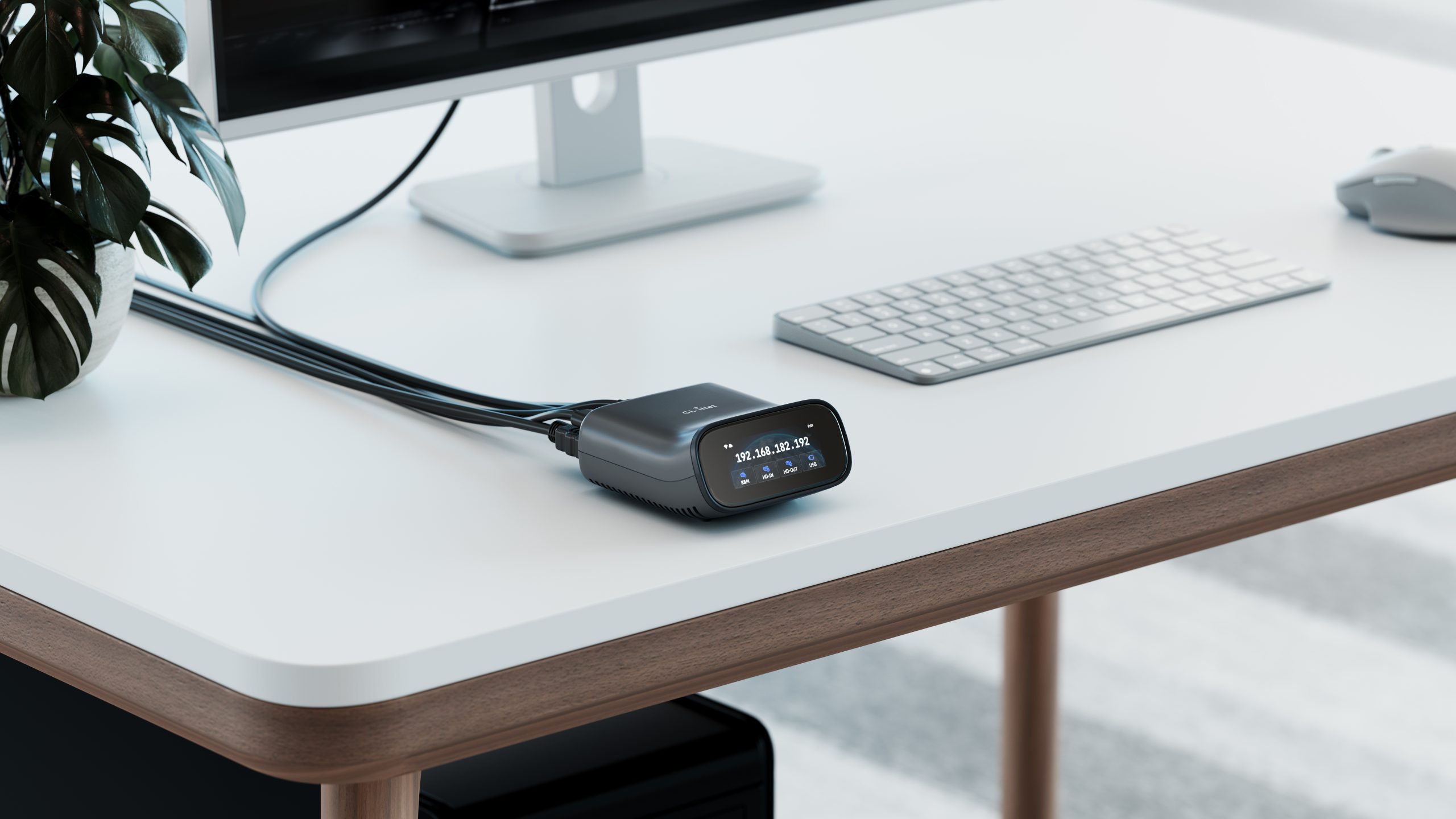
GL.iNet Comet Pro GL-RM10 is suitable for home lab, server cabinet, mini PC, workstation, monitorless computer, media server, office PC, test bench or remote client equipment maintenance.
It can be used to administer servers, configure BIOS, reinstall OS, diagnose a frozen PC, manage a home server, support a remote workstation, or access equipment that is physically located elsewhere.
For business, Comet Pro is useful where you need to have an emergency access channel to a critical computer or server. For technical specialists, it is a tool that allows not to go to place only because of a frozen screen, incorrect boot order or the need to press a few keys in the BIOS.
Specifications
Model: GL.iNet Comet Pro GL-RM10
Type: Remote KVM / KVM over IP
Purpose: Remote control of PC, server or workstation
Device OS: Linux 6.1
Processor: Quad Core ARM Cortex-A53
Memory / Storage: DDR3L 1GB / 32GB eMMC
Screen: 2.22 inch touch screen
Maximum resolution: 4K@30FPS
Video Encoding: H.264 hardware encoding
Delay: 30-60ms on LAN
Wi-Fi: Wi-Fi 6, IEEE 802.11 a/b/g/n/ac/ax
Wi-Fi bands: 2.4 GHz and 5 GHz
Speed Wi-Fi: up to 286 Mbps at 2.4 GHz, up to 286 Mbps at 5 GHz
Antenna: 1 indoor Wi-Fi antenna
Ethernet: 1 × Gigabit Ethernet
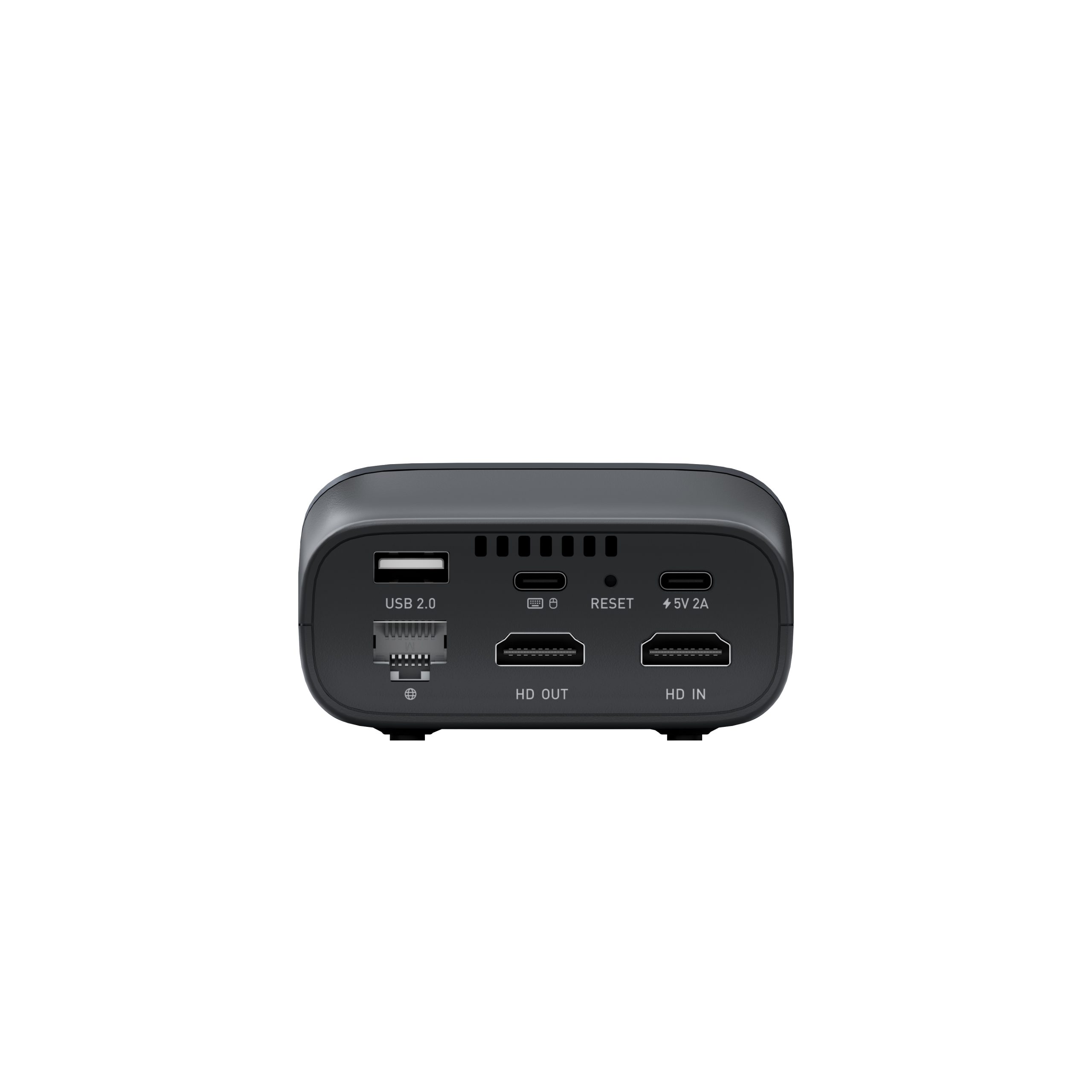
Interfaces: USB Type-C for keyboard/mouse, Gigabit Ethernet, HD In, HD Out, USB 2.0 Type-A
Power supply: USB Type-C, 5V/2A, PD-compatible
Access support: GLKVM App, browser access, Tailscale
Access protection: 2FA, hardware screen lock
Additional Features: BIOS Access, Virtual Media/ISO mounting, remote file copying, self-hosted deployment
Dimensions: 93 x 84 x 47 mm
Weight: 170 g
Important
GL.iNet Comet Pro is not a router or a normal remote desktop program. It is a separate KVM device that connects to the controlled computer via video and USB to provide hardware-level access.
To work, you need a proper connection to the PC or server: video output of the controlled device, USB for keyboard/mouse, power through USB-C and network connection via Wi-Fi or Ethernet.
Actual latency, image quality, and stability of remote access depend on the local network, Internet channel, routing, connection method, and selected access scenario.
For the most private scenario, consider access through your own infrastructure, Tailscale or self-hosted deployments, rather than relying solely on cloud access.
Related products
-

Mudi V2 turnkey + VPN for 2 years
14400 ₴ Add to cart -
GL.iNet Flint 3 (GL-BE9300) – Wi-Fi 7 router, 5 x 2.5G, 6 GHz
11990 ₴ Add to cart -
Sale!
GL.iNet Slate 7 Pro (GL-BE10000) – portable Wi-Fi 7 router BE10000 touchscreen, VPN up to 1100 Mbps and 2.5G Ethernet
Original price was: 15000 ₴.12790 ₴Current price is: 12790 ₴. Add to cart -
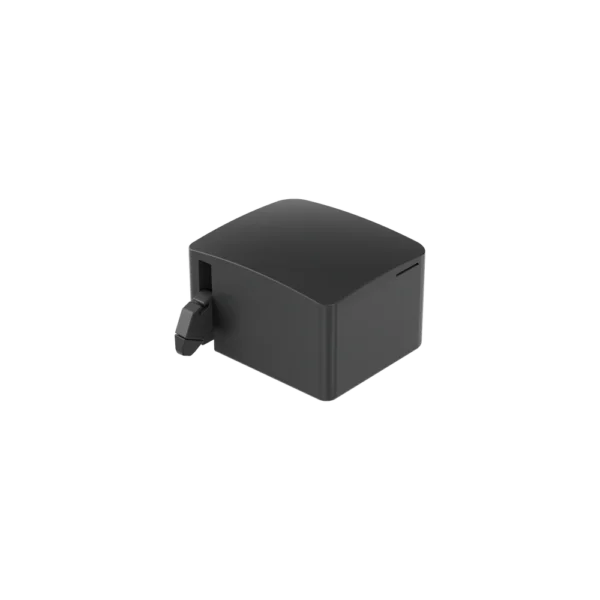
GL.iNet Fingerbot (FGB-01) – Remote push button device for Comet KVM
2500 ₴ Add to cart