
Secure double bottom flash drive with 3 access levels
Secure double bottom flash drive with 3 access levels
In stock
The Double Bottom USB Flash Drive is a secure USB storage device for those who need to store important files not just “on the flash drive”, but in a separate structure with several levels of access.
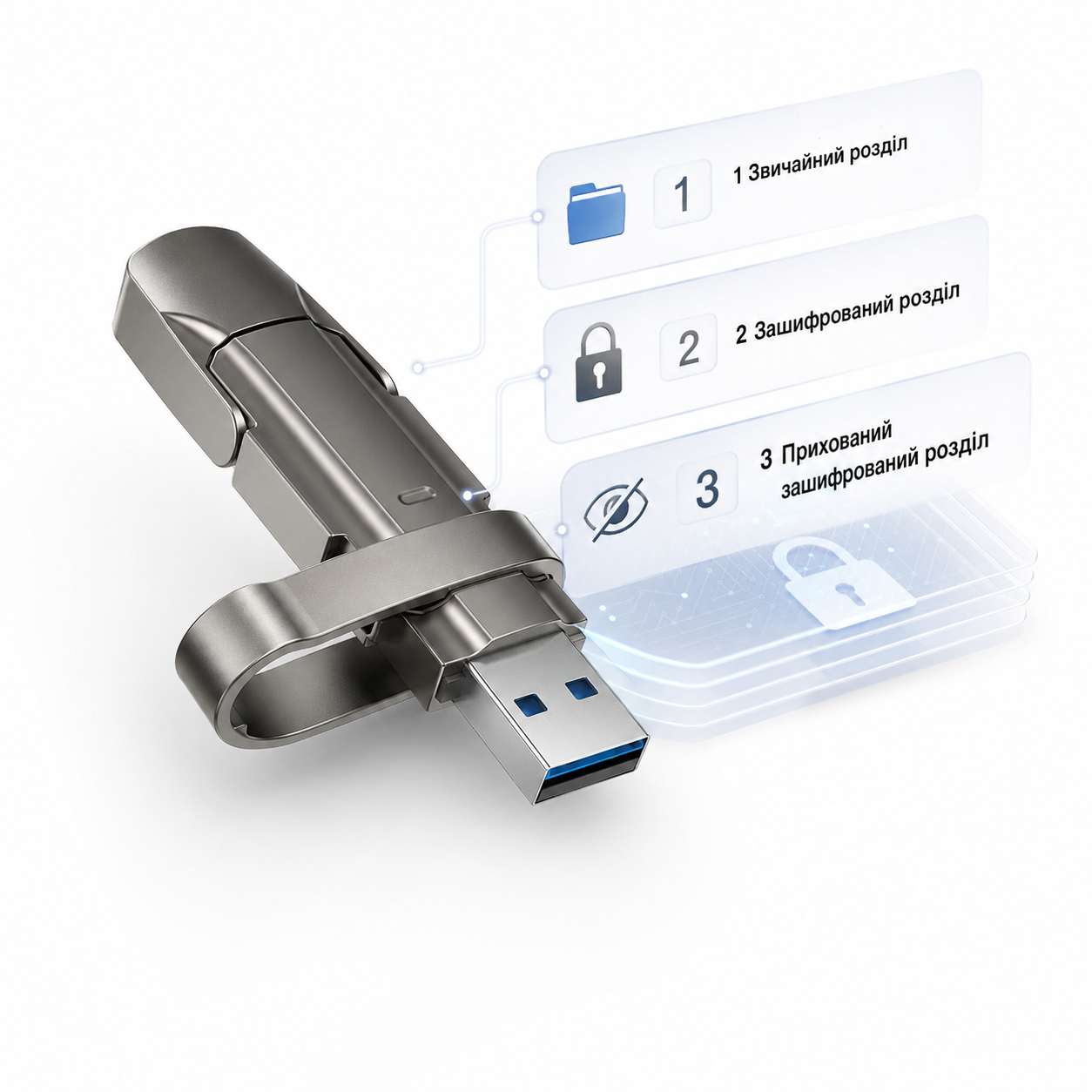
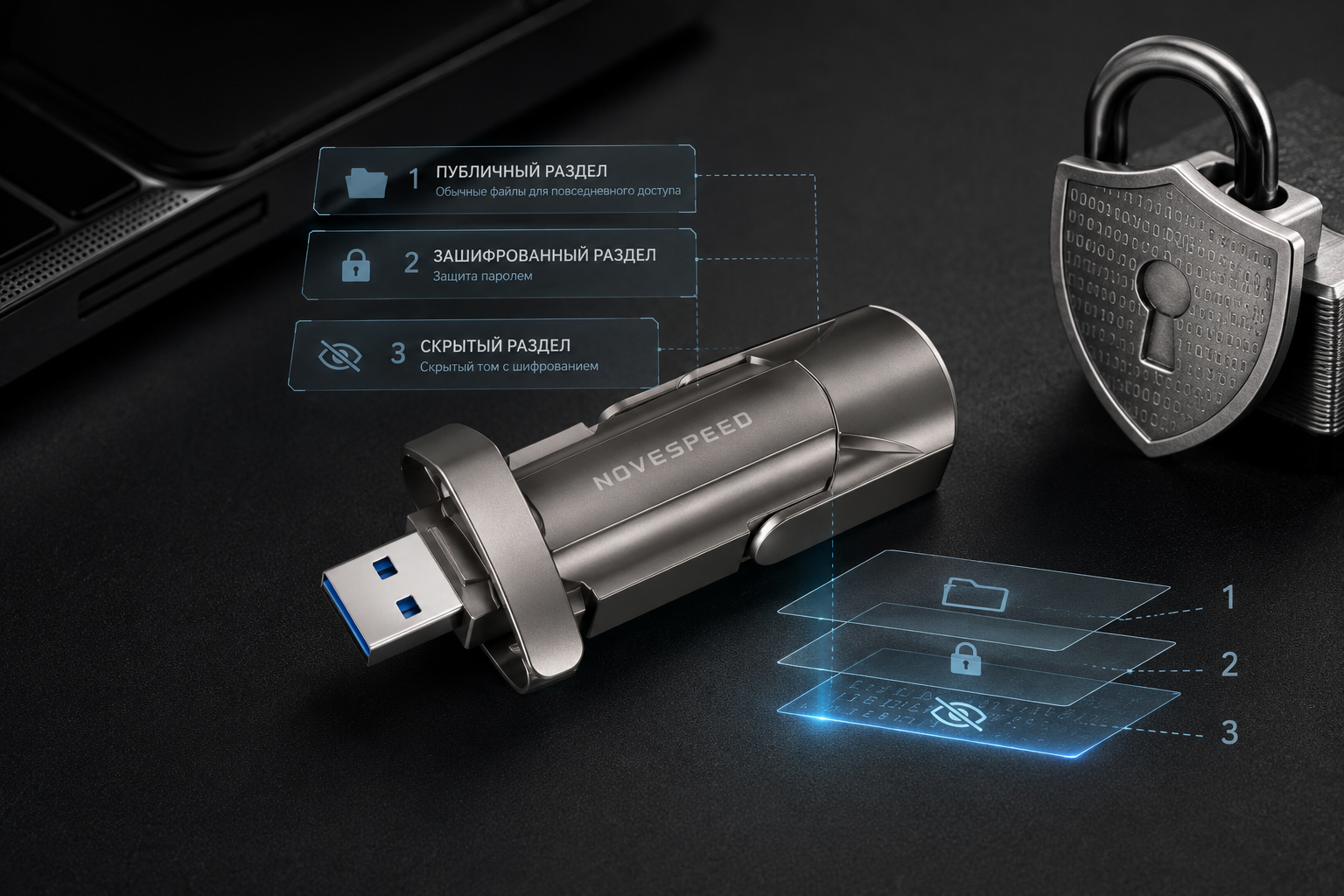
It looks like a normal storage for everyday files, but inside it can be configured up to three levels of access: an open partition, an encrypted partition with a password, and a hidden encrypting partition that is not visible during normal use.
This solution is suitable for documents, backups, passwords, work materials, private files and data that should not be stored openly. Encryption is implemented software-wise, for example through VeraCrypt or similar tools.
Windows, Linux and macOS are supported. We can prepare the flash drive, explain how it works, show the configuration and help you use it without any technical complications.
Available Volumes: 128 GB, 256 GB, 512 GB and 1 TB.
Description
The Double Bottom Software Encrypted Flash Drive is a USB storage device for more secure storage of important files, documents, backups and private information.
At first glance, the storage device may look like an ordinary flash drive for everyday use. It can store open files, transfer documents, photos or other materials. But the main advantage of this solution is the ability to create separate encrypted areas, access to which is opened only after entering the correct password.
This is useful when you need to separate common files and really important information. For example, the open part may contain neutral documents, instructions, or work files, and the encrypted part may include backups, passwords, financial documents, personal materials, or data that should not lie in public access.
A special feature is the ability to configure a hidden encrypted partition. Its existence is not visible during normal storage viewing. This creates a double bottom effect: the user can have a visible part for normal files, a separate encrypted partition and a hidden layer for the most important data.
Encryption is implemented software-wise, e.g. through VeraCrypt or other compatible tools. This approach does not bind the user to one specific device or closed ecosystem, but allows to work with the storage on Windows, Linux and macOS.
3 Access Levels
1. Normal Partition
The flash drive looks like a standard USB drive. You can store common files for everyday use here: documents, photos, instructions, presentations, or any material that does not require additional protection.
2. Encrypted Partition
A separate protected area that opens only after entering a password. Suitable for documents, backups, passwords, work materials, financial files and other important information.
3. Hidden Encrypted Partition
An additional hidden level, the existence of which is not shown during normal storage usage. This is the principle of “double bottom”: only what should be visible is visible from the outside, and the most important information remains in a separate hidden space.
Benefits
Software Encryption
Secret sections are protected by robust encryption algorithms through special software, such as VeraCrypt.
Plausible denial
You can use the visible part of the storage as a normal flash drive. A hidden partition does not show itself in the standard file view.
3 levels of data access
A single storage device can have an open part, a password-protected partition, and a hidden encrypted partition for the most important information.
Suitable for various systems
The solution can be used on Windows, Linux and macOS if the appropriate software is available.
Configuration Help
We can prepare the storage, explain the logic of the operation, show how to open encrypted partitions and how to properly store important data.
For private and work files
Suitable for documents, backups, passwords, photos, archives, financial files, customer materials and other information that should not be kept open.
Use Scenarios
Such a flash drive can be useful for entrepreneurs, technical professionals, journalists, consultants, business owners, freelancers and anyone who works with important files and wants to have a local storage with an additional level of protection.
It can be used to transfer documents between devices, store backups, separate password archives, private files, work materials or important information that you do not want to keep in the cloud.
Specifications
Type: Software Encrypted USB Drive
Protection format: Normal Partition + Encrypted Partition+ Hidden Encrypting Partition
Number of access levels: up to 3
Encryption: Software, e. g. VeraCrypt or similar tools
Hidden partition function: yes
Plausible denial: yes
Compatibility: Windows / Linux / macOS
Memory sizes: 128 GB / 256 GB /512 GB /1 TB
Configuration: we can prepare and show how it works
Destination: Private Files, Documents, Backups, Passwords, Work Materials
Price: from $75
Important
This solution requires a careful approach to passwords. If the password for an encrypted or hidden partition is lost, data access may not be possible.
Software encryption helps protect information, but does not replace backup. For really important files it is recommended to have an additional copy on another medium.
Compatibility with Windows, Linux and macOS depends on the installed software and the correct use of the storage device. We can help with basic configuration and show how to safely work with partitions.
Related products
-

Mudi V2 turnkey + VPN for 2 years
14400 ₴ Add to cart -
Sale!
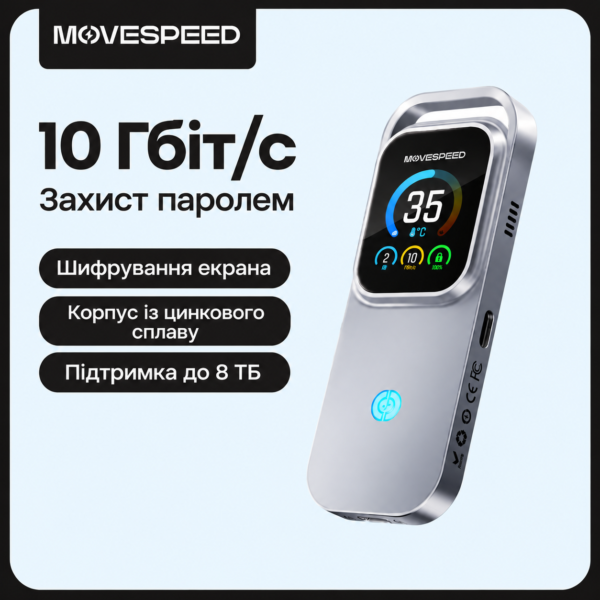
MOVESPEED AC10 Protective Enclosure for M.2 NVMe SSD with Touch Screen, Password and USB-C 10Gbps
Original price was: 3400 ₴.2690 ₴Current price is: 2690 ₴. Add to cart -

Secure SSD 512GB IODD MINI PRO with AES-256-XTS, PIN keypad and ISO boot
13500 ₴ Add to cart -
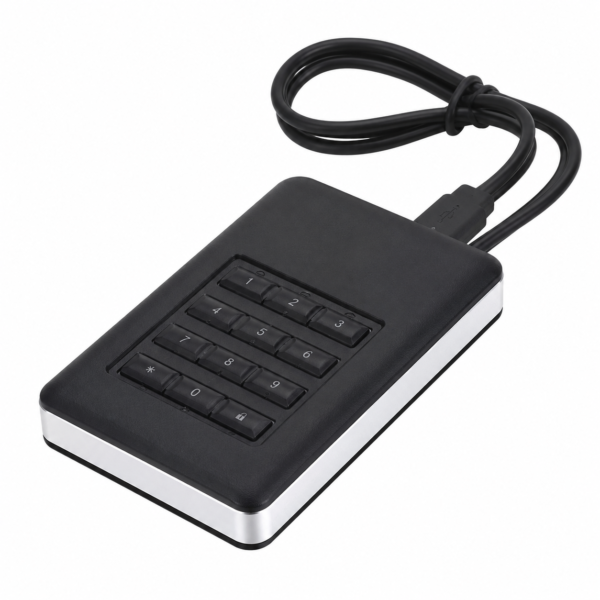
Secure external SSD 320GB / 500GB with hardware AES-256 encryption and USB 3.0 PIN keypad
4390 ₴ Add to cart