
GL.iNet Comet Q (GL-RMQ1) – portable Remote KVM over IP with Wi-Fi 6, USB-C and touch screen
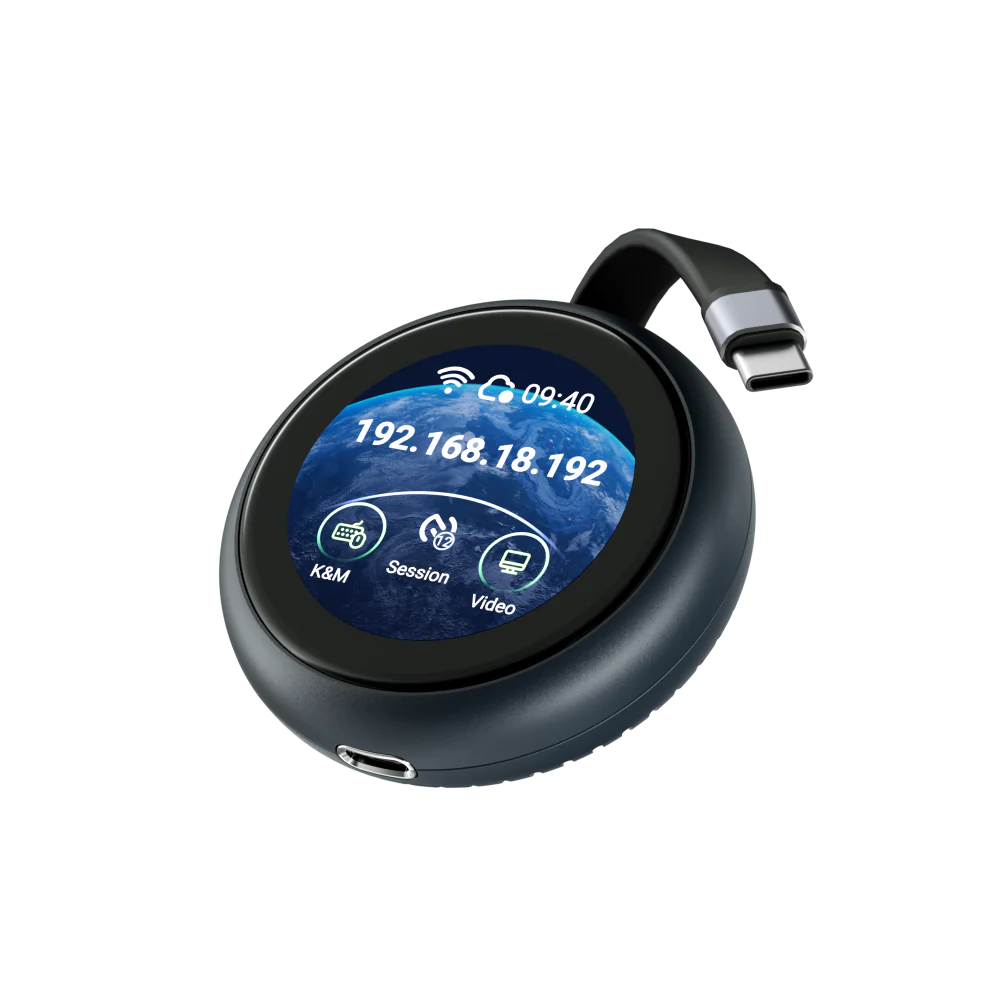


GL.iNet Comet Q (GL-RMQ1) – portable Remote KVM over IP with Wi-Fi 6, USB-C and touch screen
Pre-order
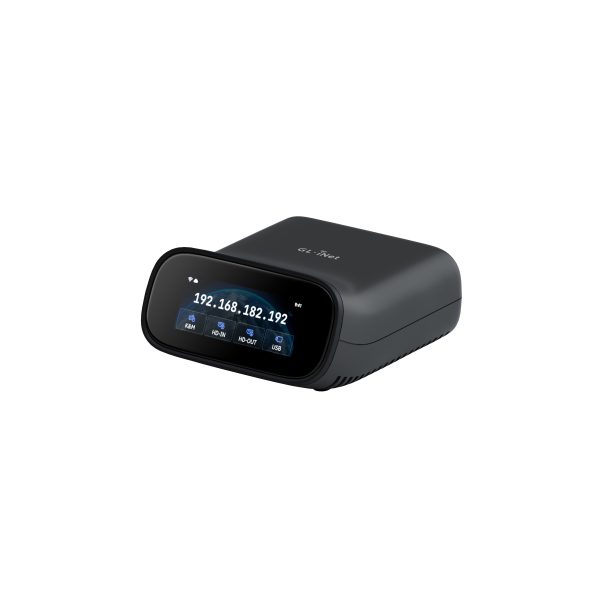
GL.iNet Comet Q (GL-RMQ1) is an ultra-compact next-generation Remote KVM that allows full control of laptops, smartphones, tablets and Mac mini via a browser or app. The connection is made with only one USB-C cable, without installing software on the controlled device.
Supports Wi-Fi 6, 2K QHD 60 FPS video, 1.8" touchscreen, Tailscale, ZeroTier and hardware-level security.
Description
Full control of your device from anywhere in the world
GL.iNet Comet Q – is a new generation of Remote KVM, designed for remote control of laptops, smartphones, tablets and mini-PCs.
Unlike classic KVMs, the device uses only one USB-C cable, through which video, control and power are transmitted simultaneously. No HDMI adapters, USB hubs or additional adapters are required.
Work even when device is locked
Comet Q works at the hardware level, so it allows:
- control the device after locking
- raise him from his sleep;
- run even when the operating system is not yet booted
- remotely control a laptop with the cover closed.
This opens up opportunities for technical support, administration and remote work.
The first KVM for iPhone
Comet Q supports remote control of modern iPhones with USB-C, allowing you to perform virtually all actions:
- unlocking;
- pressing;
- swipes;
- Text input
- full device control.
iPads, Android devices, Mac mini, Windows and Linux laptops with USB-C DisplayPort Alt Mode are also supported.
No Software Installation
No software needs to be installed on the managed device.
Enough:
- connect Comet Q;
- configure Wi-Fi;
- open a browser or GLKVM application.
Management is possible both locally and through a cloud service.
Built-in touch display
Device equipped 1.8-inch color touch screen, which allows:
- perform initial configuration
- view connection status
- manage the network;
- quickly perform basic operations without a computer.
Wi-Fi 6 and modern networks
Comet Q supports:
- Wi-Fi 6;
- 2.4 GHz;
- 5 GHz;
- Tailscale;
- ZeroTier.
This allows secure connection even over the Internet without complex network configuration.
Benefits
- 1. One USB-C cable
Video transmission, power and control via a single cable.
- 2. Next Generation Remote KVM
Does not require software installation on the managed device.
- 3. iPhone Support
The first Remote KVM with support for modern iPhone models via USB-C.
- 4. Touch screen
1.8″ color display for quick setup.
- 5. Wi-Fi 6
Fast and stable wireless connection.
- 6. Tailscale and ZeroTier
Secure remote access without complicated VPN configuration.
- 7. Compact housing
It weighs only 78.5 g, the device easily fits in a pocket.
- 8. Hardware Level Performance
Control is possible even when the device is locked or in sleep mode.
Use Scenarios
- Remote Technical Support
Remote maintenance of computers without installing software.
- Smartphone Management
Work with Android and iPhone remotely.
- System Administration
Manage laptops, Mac mini and workstations.
- Remote Work
Full access to the office computer through a browser.
- Mobile Application Testing
Convenient management of mobile devices during development and testing.
- Tutorials and Demos
Remote display of device performance to customers or employees.
Specifications
- Brand: GL.iNet
- Model: GL-RMQ1
- Series: Comet Q
- Type: Remote KVM over IP
- Operating system: Buildroot
- Processor: ARM Cortex-A53 Quad-Core
- RAM: 512 MB LPDDR4
- Built-in memory: 512 MB NAND
- Display: 1.8″ touch screen
- Maximum resolution: 2K QHD 60 FPS
- Interface: USB Type-C
- USB-C Pass-through: supported
- Wi-Fi: IEEE 802.11 a/b/g/n/ac/ax (Wi-Fi 6)
- Antenna: internal
- Power: USB-C PD 5V/3A
- Weight: 78.5 g
- Support: Windows, macOS, Linux, Android, iPhone, iPad (USB-C DP Alt Mode compatible models)
- Additional features: GLKVM, browser control, Tailscale, ZeroTier, two-way audio.
Important
To work, the managed device must support USB-C DisplayPort Alt Mode (DP Alt Mode). Compatibility depends on the specific model of smartphone, tablet or laptop. For a complete list of supported devices, see the manufacturer.
Related products
-
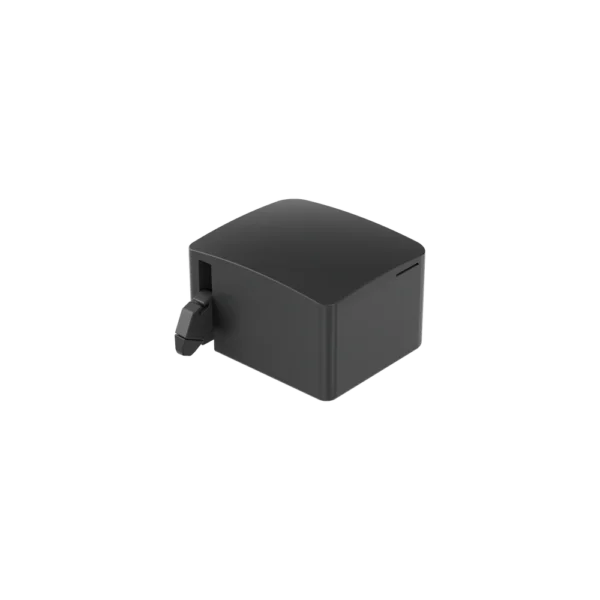
GL.iNet Fingerbot (FGB-01) – Remote push button device for Comet KVM
2500 ₴ Add to cart -
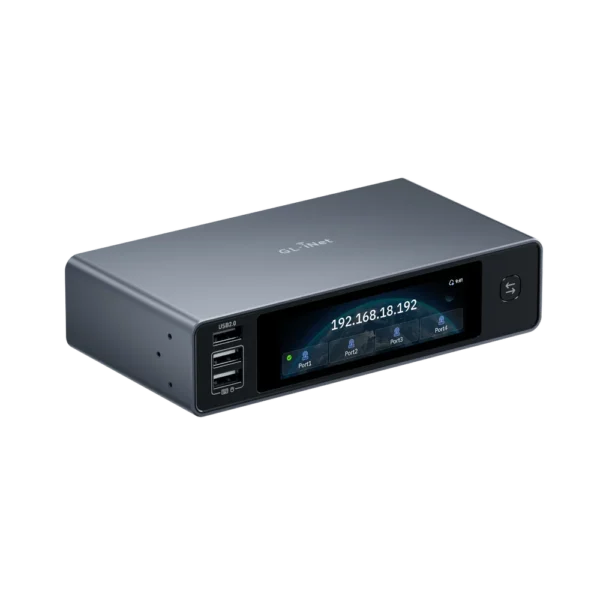
GL.iNet Comet X (GL-RM4PE) – 4-port Remote KVM over IP with PoE, 4K and touch screen
19990 ₴ Add to cart -
Sale!
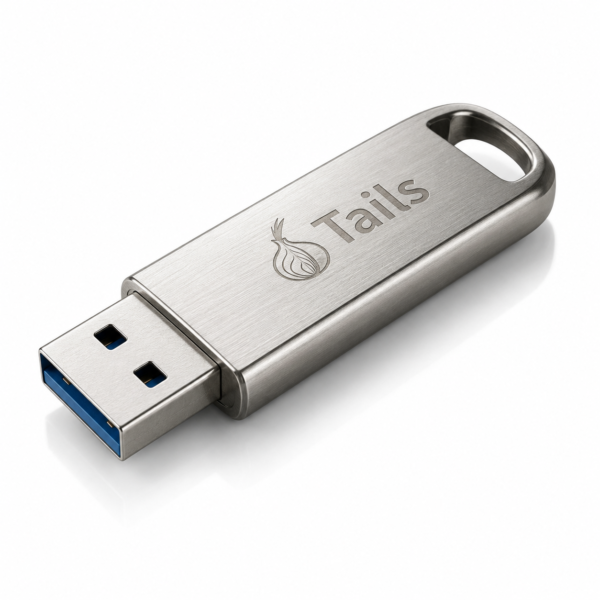
Anonymous Tails OS on USB stick with file encryption
Original price was: 6000 ₴.3000 ₴Current price is: 3000 ₴. Add to cart -
GL.iNet Comet Pro GL-RM10 – Wi-Fi 6 KVM for remote access to PCs and servers
12900 ₴ Add to cart