
Specifications and technology / Access control
The number of zones and sensitivity settings helps describe a metal detector. These figures alone cannot establish that it will detect every object in all conditions. Performance depends on the programme, environment, installation and screening procedure.
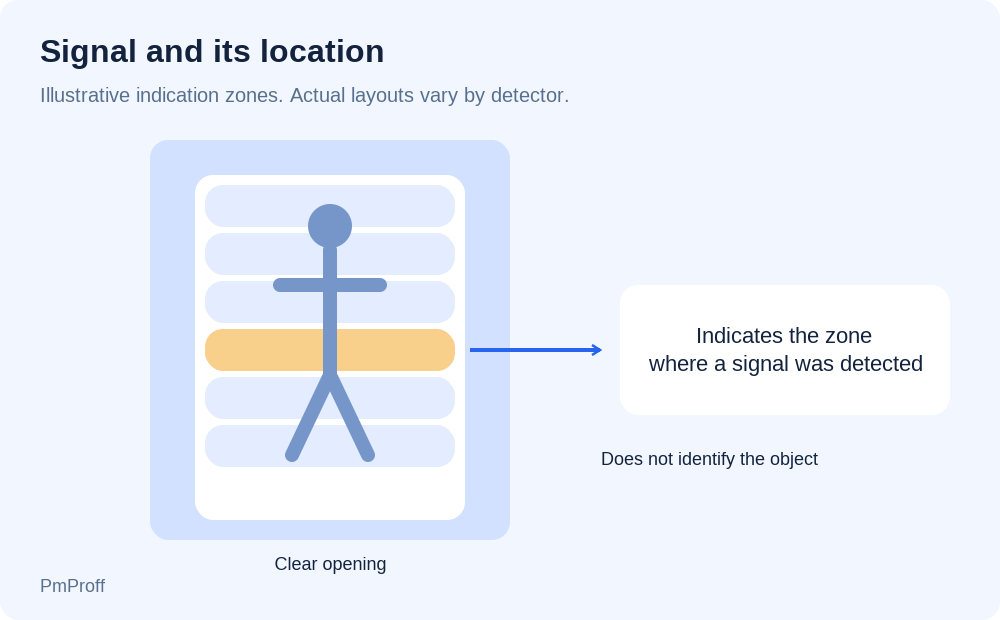
Zones indicate where a signal occurred
A multizone metal detector helps locate the area where a signal occurred. For example, the Garrett PD 6500i data sheet lists zone count and sensitivity settings separately. Vertical indicators direct the operator’s attention to a particular height. They do not identify an object’s exact shape or type. More zones do not automatically mean greater range or a guarantee of detecting smaller metal objects. Check whether the indication zones correspond to independently adjustable areas.
Sensitivity levels use the manufacturer’s own scale
A rating of 1,000 or 2,000 levels describes the number of adjustment steps. It cannot establish a twofold difference in measured sensitivity. Comparisons between such scales require a common test method. Garrett explains how detection depends on the metal and test conditions. Settings should suit the screening task, approved test objects and the acceptable volume of secondary checks. Frequent alarms on permitted items reduce actual throughput even when people can walk through quickly.
| Parameter | What it cannot establish |
|---|---|
| Number of zones | Detection of every object |
| Sensitivity levels | Comparative accuracy across models |
| Passage counter | Number of unique people |
| Operating frequencies | Number of zones |
Frequency channels and nearby equipment
Multiple operating frequencies or channels can help a detector operate in its environment alongside other detectors. They are separate from detection zones and Wi-Fi radio channels. Follow the model’s manual for channel selection, portal spacing and nearby metal structures. Spacing recommendations for another model may differ. Moving the portal or changing nearby equipment warrants a fresh performance check.
Passage counts and event counts
A passage, an alarm event and a unique person are different measures. Screening someone again can add another passage and another event. Understand the counting logic before using these figures for visitor statistics. When planning throughput, allow for preparation, passage, operator response and rescreening. Garrett’s guide to event screening discusses equipment selection in the context of its intended use.
Passage dimensions and acceptance testing
Passage dimensions describe the clear opening. Overall dimensions describe the space for the entire structure. Also allow room for the approach, exit and an accessible route for those unable to use the standard procedure. Before use, verify performance with approved test aids according to the manufacturer’s procedure. A power indicator alone does not confirm safe operation. For visitors with medical devices, follow the agreed procedure and relevant manufacturers’ instructions rather than relying on a seller’s general assurance.
Checks before choosing
- Define the screening task and approved test kit.
- Check overall dimensions and installation requirements.
- Verify operation alongside nearby equipment.
- Train the operator and document the procedure for repeat checks.
Frequently asked questions
Are 33 zones always better than 18?
It depends on the task and the overall detection system. Zone count describes just one property.
Are 2,000 levels twice as sensitive as 1,000?
No. They are adjustment scales rather than a universal physical unit.
Does the number of events equal the number of prohibited objects?
No. Follow the screening procedure to determine why each alarm occurred.
In brief
Consider zone count alongside repeatable test results and the operator’s ability to handle actual visitor flow.